70 7170 71
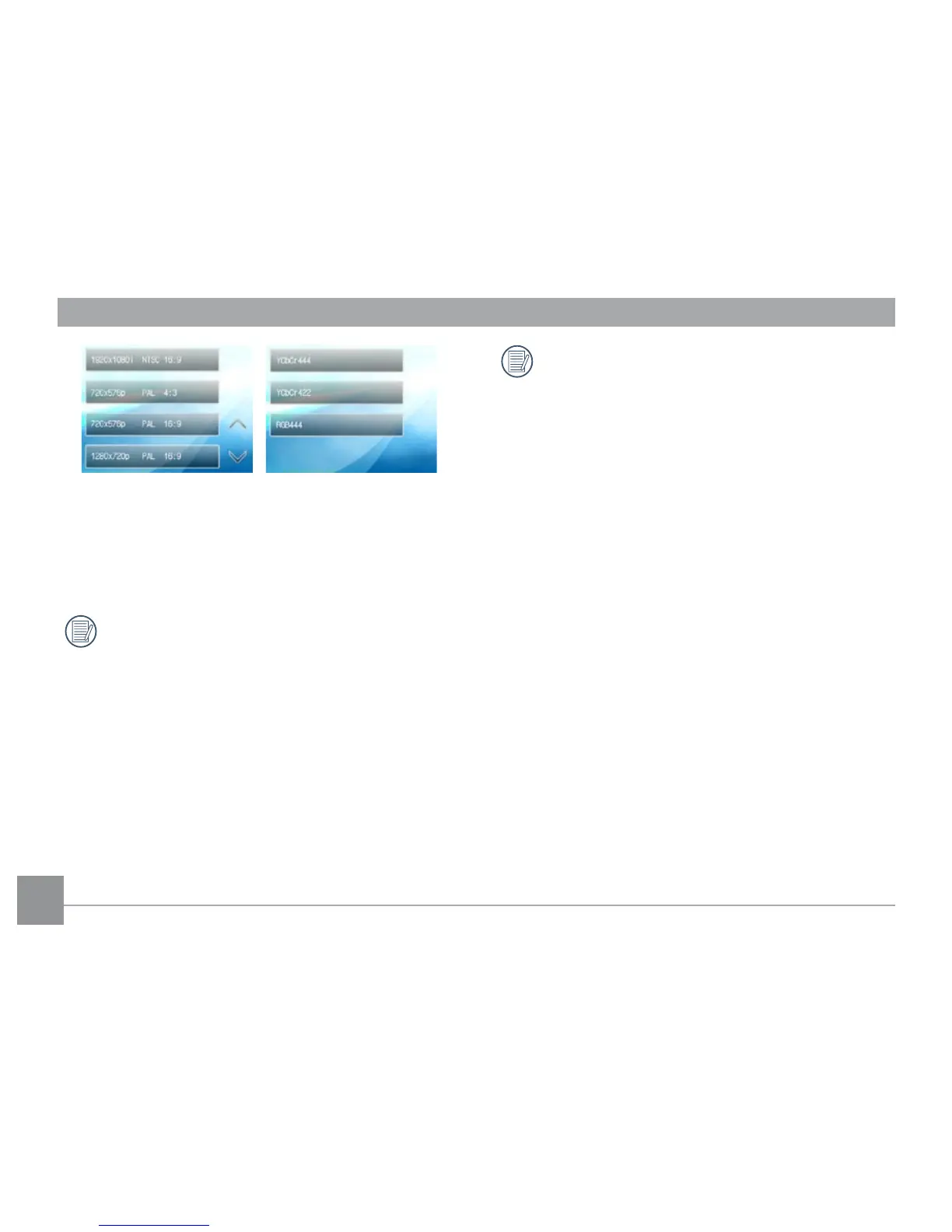
Select resolution Select screen color format
4. Once an output format is selected, the LCD screen on
the camera will go blank (although it is still on) and
your TV will then display the images and menus.
When the resolution is set to 1920 x 1080i, you
can playback pictures only, and video playback
is not possible. The maximum TV resolution for
video playback is 1280 x 720P.
Refer to your TV instruction manual for
information on what resolution sizes it will
support. The resolution and output formats
that are not supported will be grayed out on
the camera's LCD screen.



 To Next Page