EasyManua.ls Logo

GE E1050TW - Basic Operation; How to Take Pictures; Camera Controls

GE E1050TW
92 pages
Print Icon
To Next Page IconTo Next Page
To Previous Page IconTo Previous Page
Loading...
24 2524 25
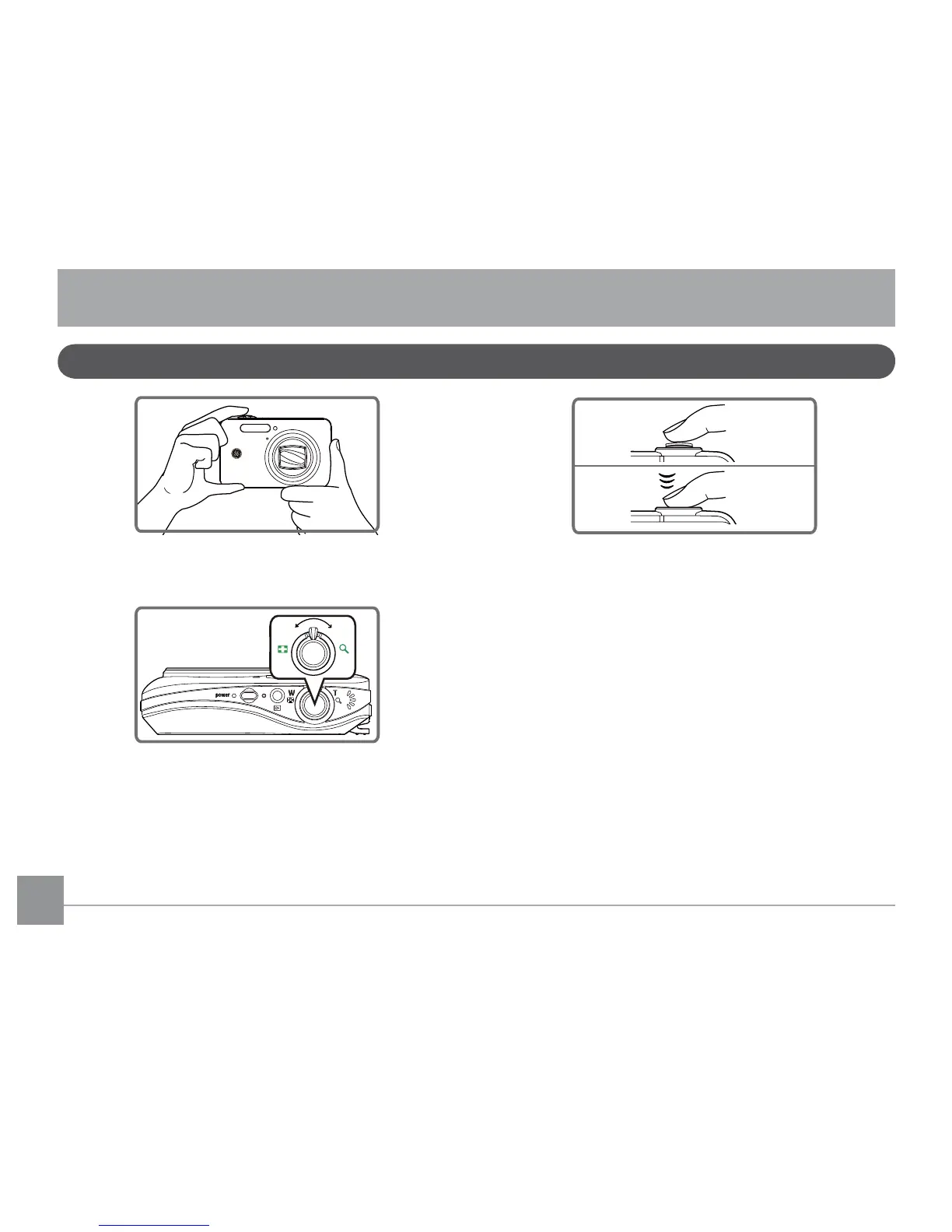
How to take pictures
Hold the camera rmly.
W
T
Use the Zoom Wheel to zoom in or out on the
object.
Press the shutter button halfway to
focus on the center of the viewing
object, then completely depress the
shutter button to capture the image.
4. The captured image is shown on the LCD screen.
Basic operation
1.
2.
3.


Table of Contents

Other manuals for GE E1050TW

Related product manuals