46 4746 47
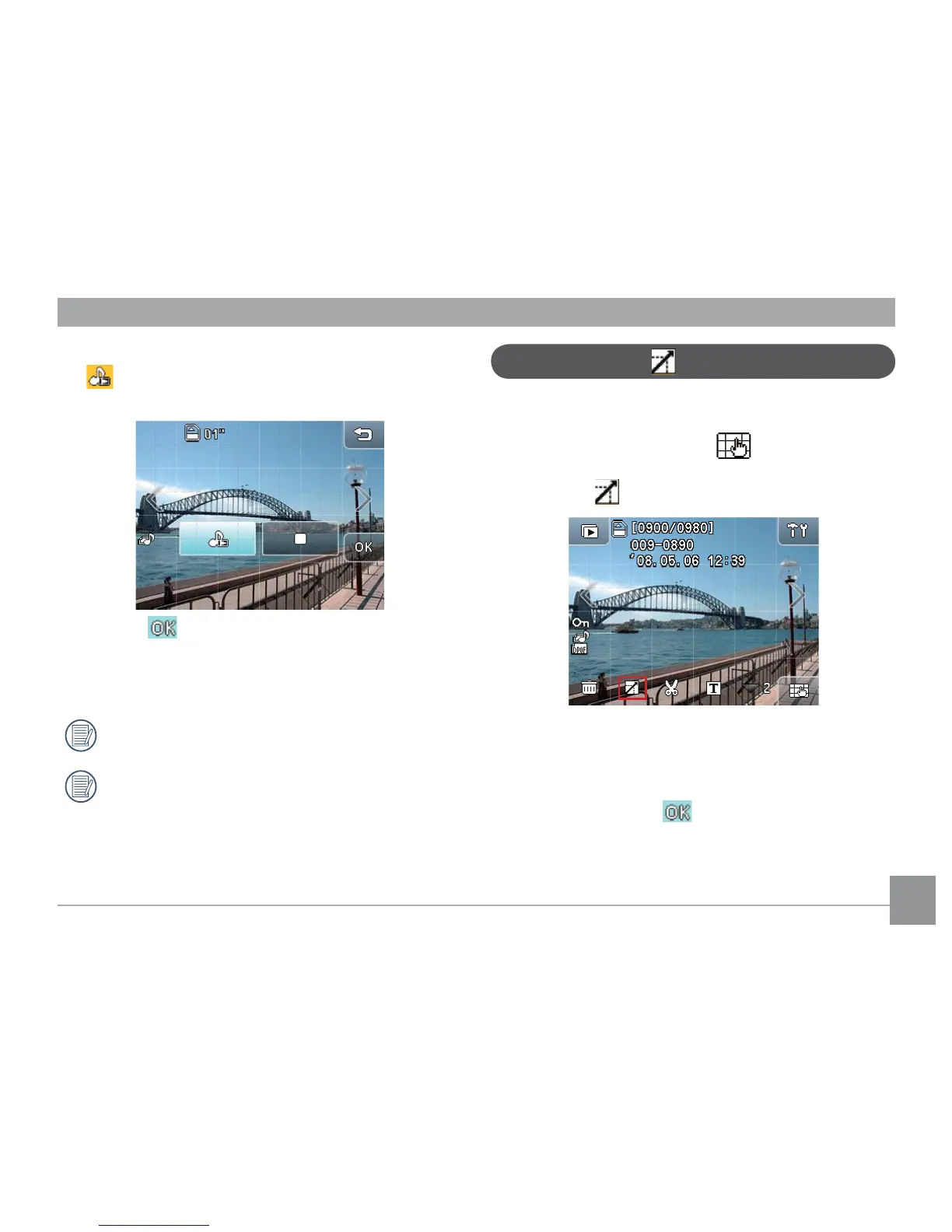
Picture resize
This setting allows you to resize the Picture in a specic
resolution and save it as a new image.
1. In Playback mode, touch the button at the
bottom right of the screen and then page down. The
Resize icon will appear on this page.
2. Press the left/right arrow key to browse the images.
Select the desired image to resize.
3. Select the desired resize value (
1024×768
or
640×
480
) and press the button to conrm (or press
the
return
key to cancel and return to the playback
main menu).
4. When the Picture has recorded the sound, touch the
button on the screen and enter the
sound
play
menu.
5. Press the button to conrm (or press the
return
key to cancel and back to the main
menu of Playback mode).
The maximum recording length is 60 seconds.
When the sound is recording or playing, the
buttons on the screen are still always active.



 To Next Page