56 57
Playback Setup Menu
Mode icon:
In playback mode, touch the tool button to reach
the playback setup menu.
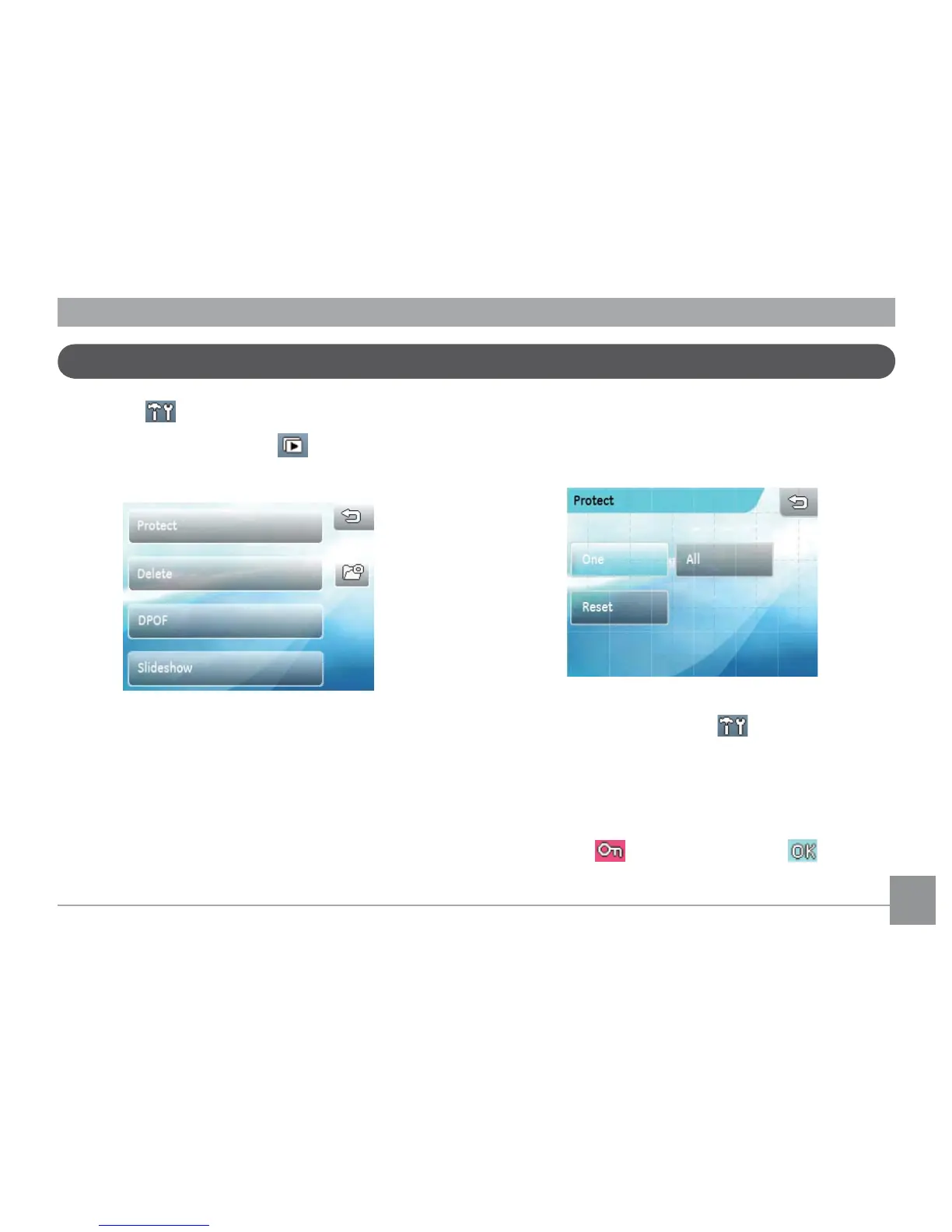
In Playback Mode, there are four options:
•
Protect
•
Delete
•
DPOF Settings
•
Slideshow
Protect
This setting allows you to protect and lock one or
more pictures or movies from being erased.
Protect single picture or movie:
1. In Playback mode, press the button.
2. Select Protect. When the sub-menu appears, select
One
.
3. Use the left/right arrow key to view and choose the
desired picture or video that you want to protect.
Press the button, and press the button to
conrm.



 To Next Page