50 5150 51
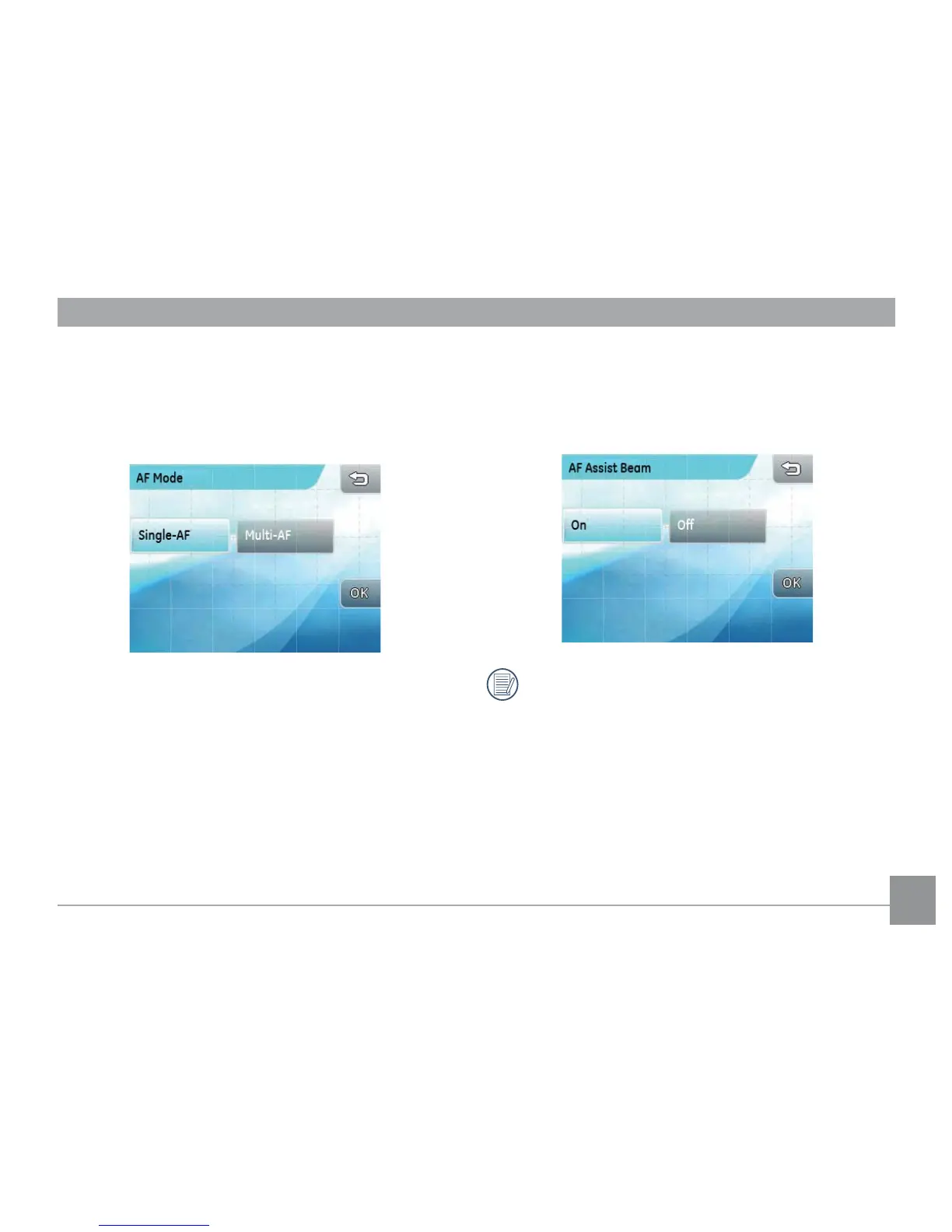
AF mode
Use this setting to control the auto-focus mechanism
while taking pictures.
There are two options:
• Single AF: A focus frame appears at the
center of the LCD screen to focus on the
subject.
• Multi AF: The camera automatically focuses
the subject in a wide area to nd the focus
point.
AF assist beam
Use this setting to assist focusing in a dark condition.
Select On to turn on the AF assist beam, or O to disable
the function.
When the AF-assist beam is turned on, hold the
shutter button halfway, and the camera will
project the AF beam at the subject for focus
assistance.



 To Next Page