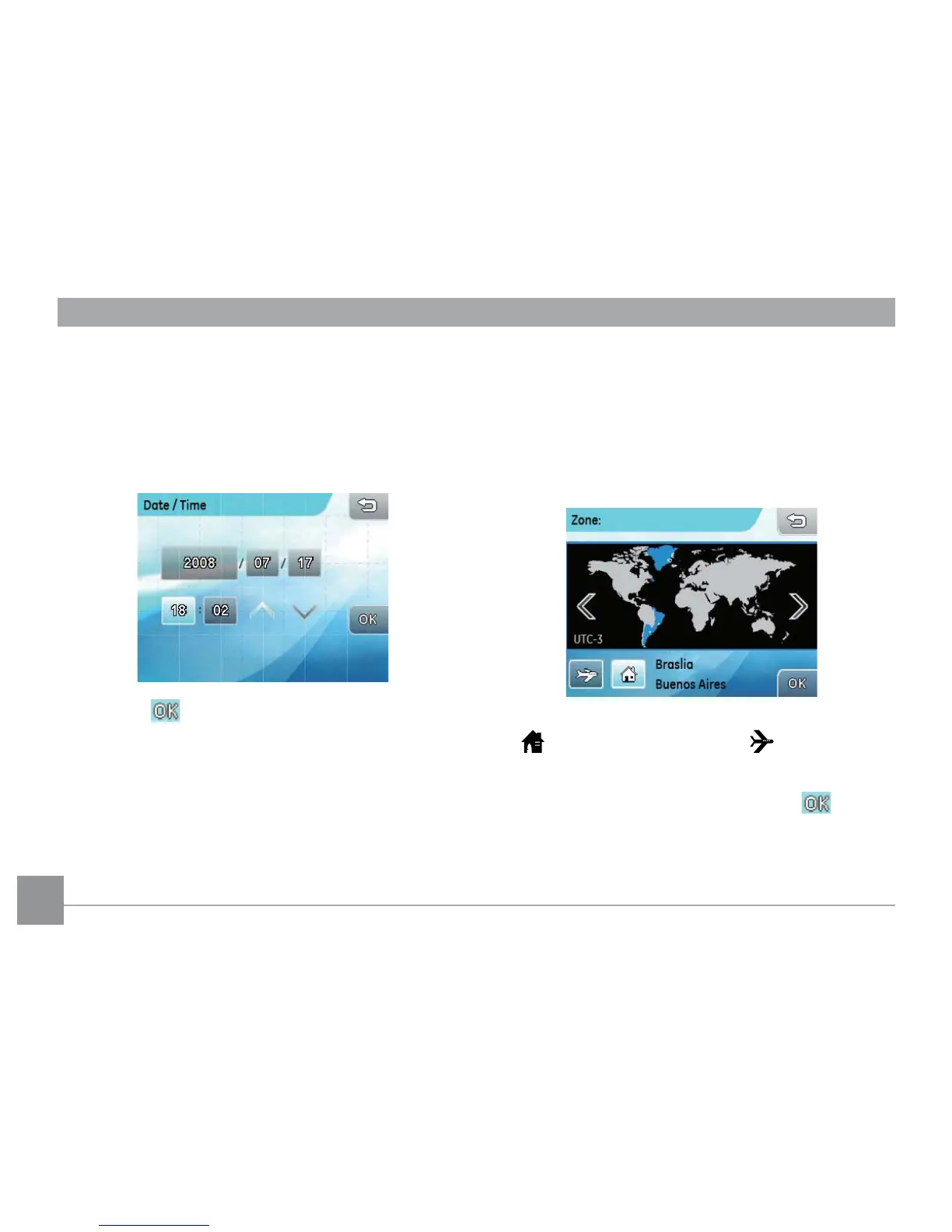
Date / Time
Use this setting to change the date and time
1. In the camera setting menu, select Date/Time.
2. Touch the date or time segment to be adjusted, then
touch the up/down arrows to change the values.
3. Press the button to conrm the date and time
setting.
Zone
The World Time setting is a useful function on your
overseas trips. This feature enables you to display the
local time on the LCD screen while you are overseas.
1. In the camera setting menu, select Time zone
to enter the World Time menu.
2. Press the buttons to set up the
local time
zone
( ) or
overseas time zone
( ).
3. Use the left/right arrow key to select a city
located in the same time zone. Press the
button to conrm.



 To Next Page