50 5150 51
Photograph setting
Operational menus
Mode icon:
In the Photograph mode, touch the button on the screen
directly to show the Photograph Conguration.
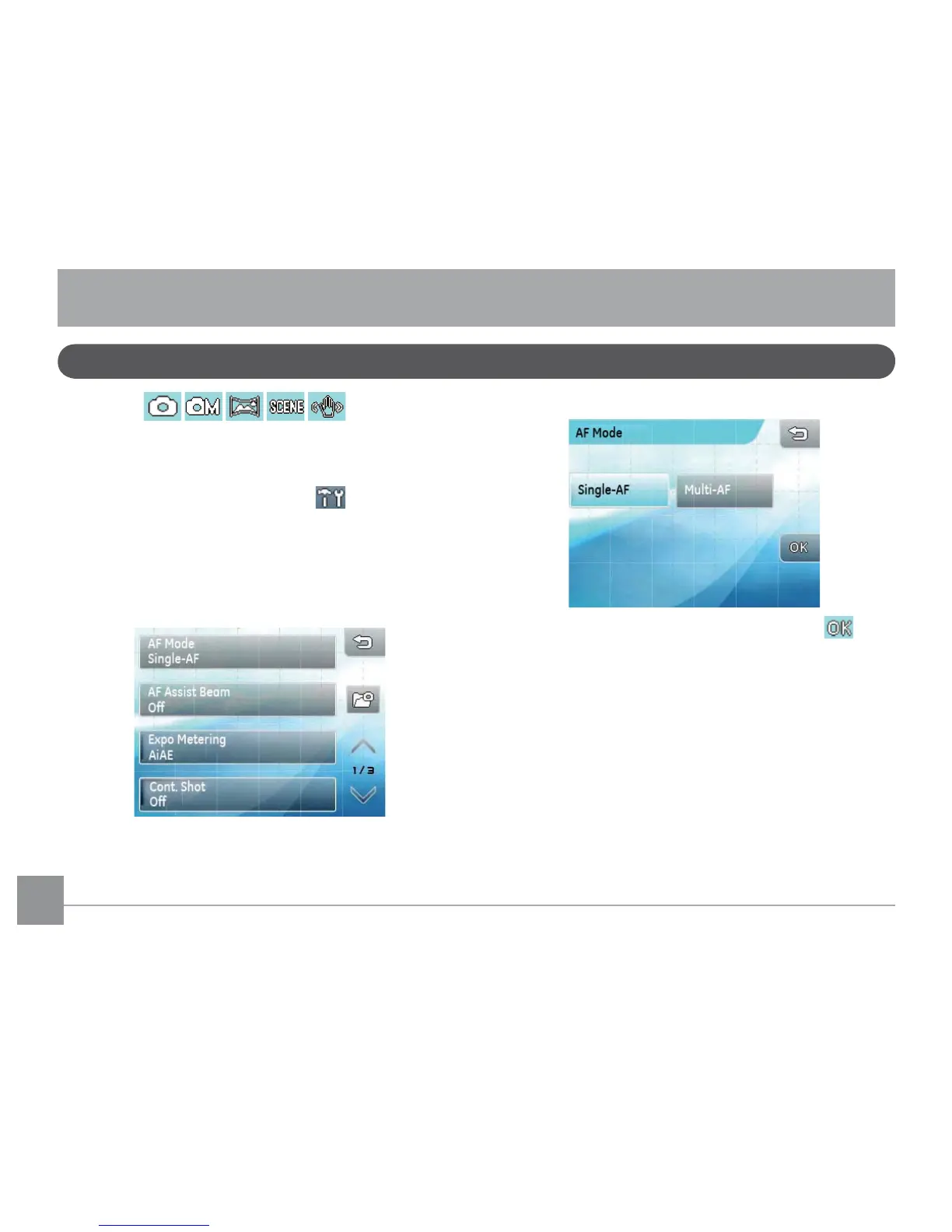
In any photograph mode, touch the button to
enter set up menu.
Changing settings:
1. Touch the
up/down
arrow keys shown on screen to
scroll through setting options.
2. Touch the desired function to show its sub-menu.
3. Change the desired setting(s) and press the
button to complete (or press the return key to cancel
and return to the playback main menu).



 To Next Page