64 65
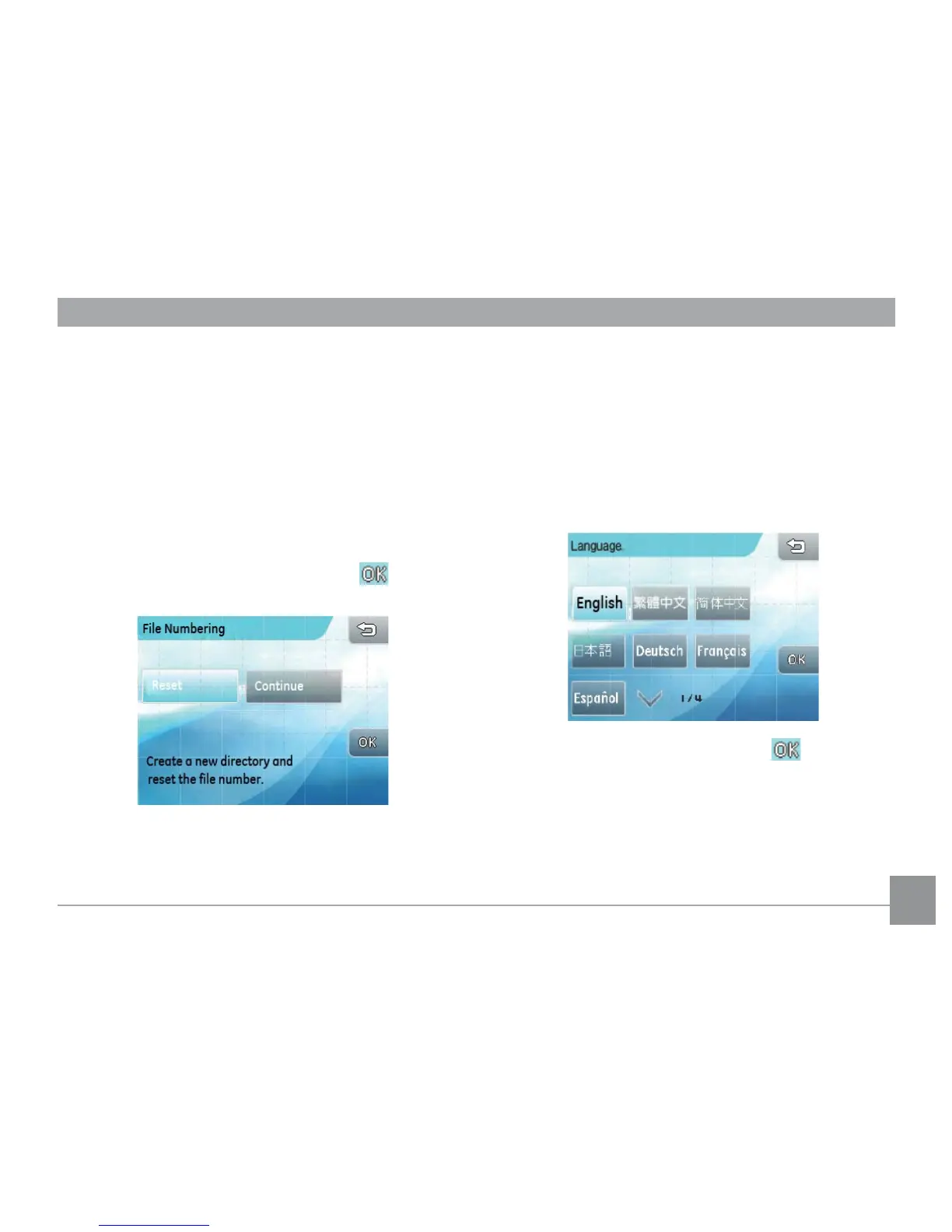
File number
After capturing pictures or movies, the camera will auto-
matically save the le with a numeric sux. This setting
allows you to decide whether the numbers should con-
tinue from the last photo taken or reset the counter to 1
and save the les in a new folder on the memory card.
1. In the camera setting menu, select File
numbering to enter the setting.
2. Select Reset or Continue. Press the button to
conrm.
Language
This setting allows you to set the language of the
camera.
1. In the camera setting menu, select Language.
2. Press the up/down arrow key to choose your
language.
3. Press the language button and then button to
conrm.



 To Next Page