The color eect will let you add art eects directly to
your pictures. You can try dierent color combinations
to change the mood of the picture.
(The color values can be changed only under
manual mode).
To set up the color eect:
1. In manual shooting mode, touch the button at
the bottom right of the screen and then page down.
The color eect icon will appear on this page.
Color eect
2. Press the icon to enter the color eect setup
menu with a total of 4 selectable modes:
• Auto. • Black and white
• Sepia • Vivid
3. Touch the button to conrm the color eect setup.
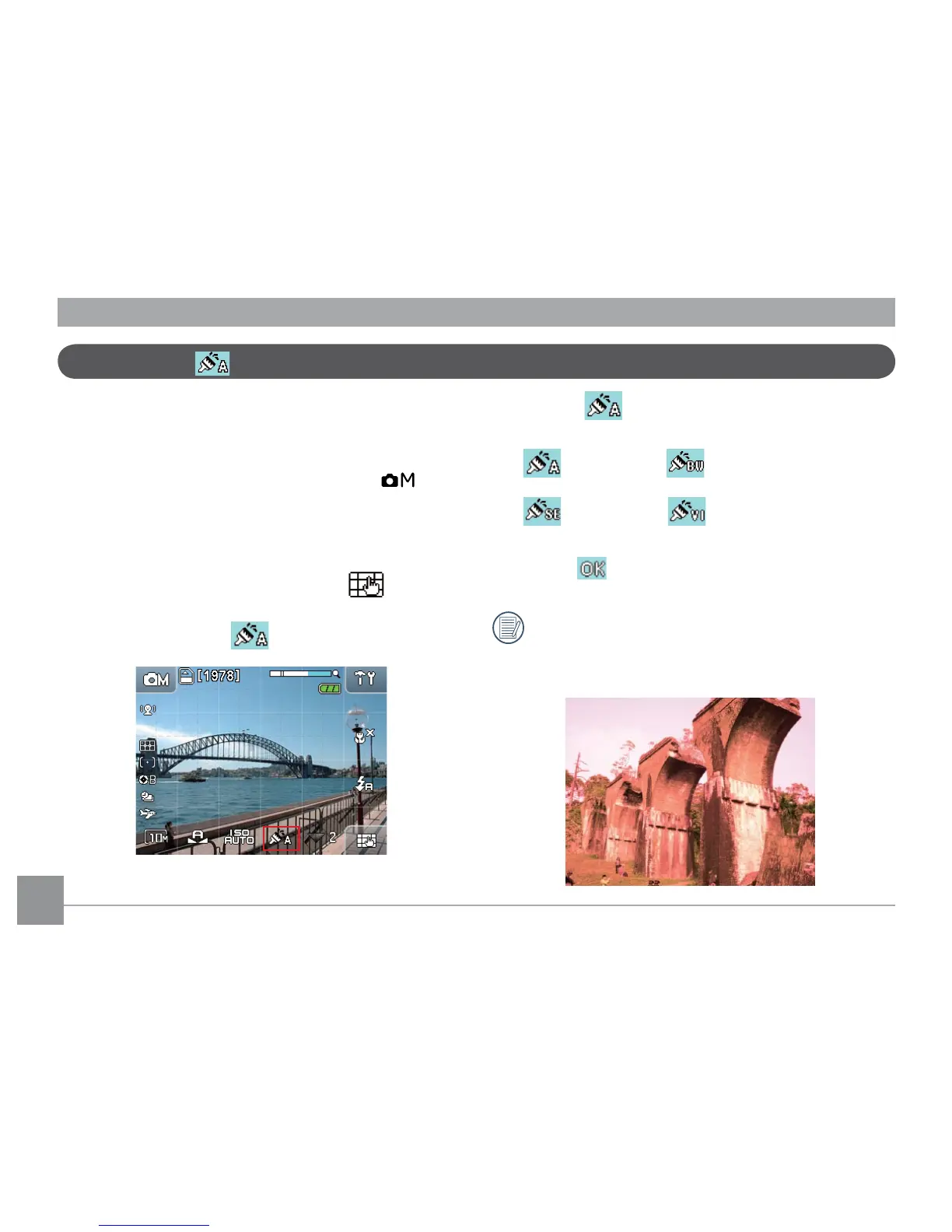
The screen will reect the selected color eect. For
example, the Sepia color eect is reected below:



 To Next Page