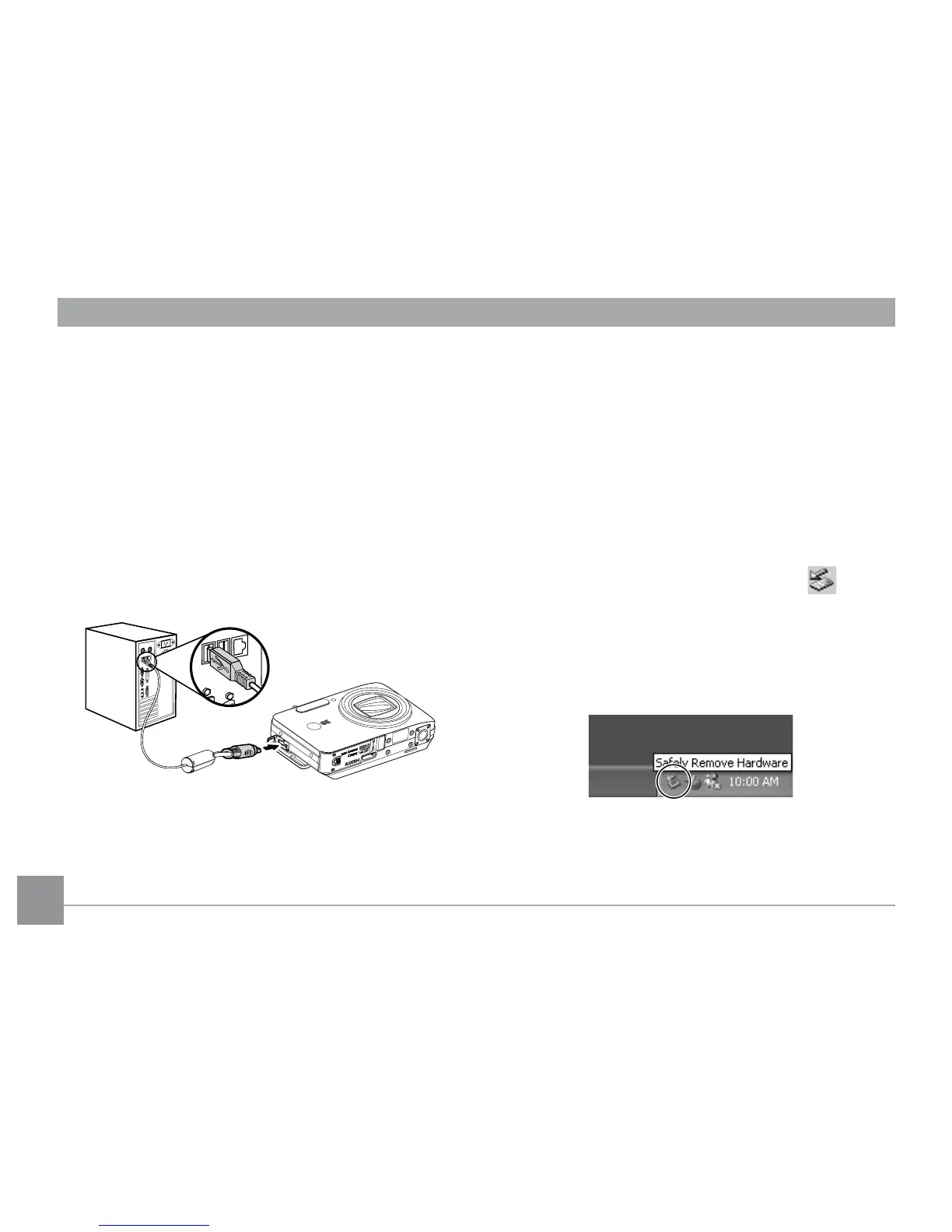
By using the USB Cable, you can transfer the
captured picture(s) and video(s) to a PC. Follow the
steps below to connect the camera to a PC.
1. Start up a computer to which the ArcSoft
software
has been installed.
2. Make sure both the camera and PC are turned on.
3. Connect one end of the supplied USB cable to the
USB/AV OUT port on your camera.
4. Connect the other end of the cable to an available
USB port on your PC.
5. Disconnect the cable after the transfer is complete.
If the USB option is set to [PC] :
Turn o the camera and disconnect the USB Cable.
If the USB option is set to [PC (PTP)] :
Remove the camera from the system as described
below before turning o the camera and
disconnecting the USB cable.
Window XP Home Edition/XP Professional
Click the [Safely Remove Hardware] icon ( ) in the
taskbar and select [Safely remove USB Mass Storage
Device] from the menu displayed.



 To Next Page