19
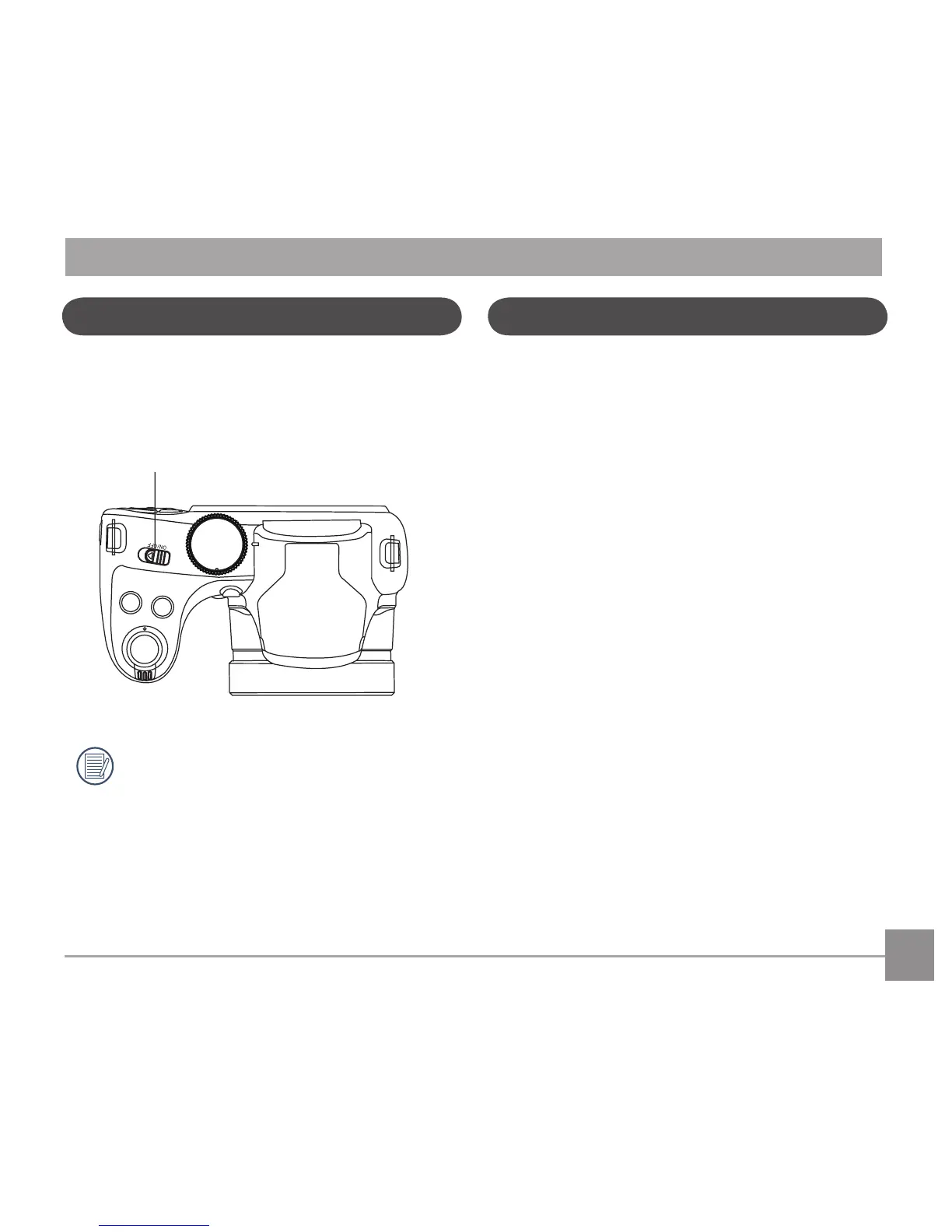
TurningCameraOnandO
Slidethepowerswitchtoturnon/othecamera.
Power Switch
Press and hold the Playback button to power
on and enter Playback mode.
Symbol Description
In the instructions below, the following symbols
may be used throughout this manual on how to
operate the camera. This is to facilitate better
understanding.
[Button name]: When one button on the
camera cannot be indicated
by an icon, the symbol [ ] is
used to indicate it.
「Item properties」:The optional properties in
the camera interface
are indicated by the
symbol「 」.



 To Next Page