7. Turn the mode dial to switch to the custom
settings .
Custom Settings
The user can store the frequently used shooting
modes and parameters and switch to this mode for
quick adjustment.
Follow the steps below:
1. Select any mode or scene mode to be stored.
2. Set your desired parameters in the current
mode.
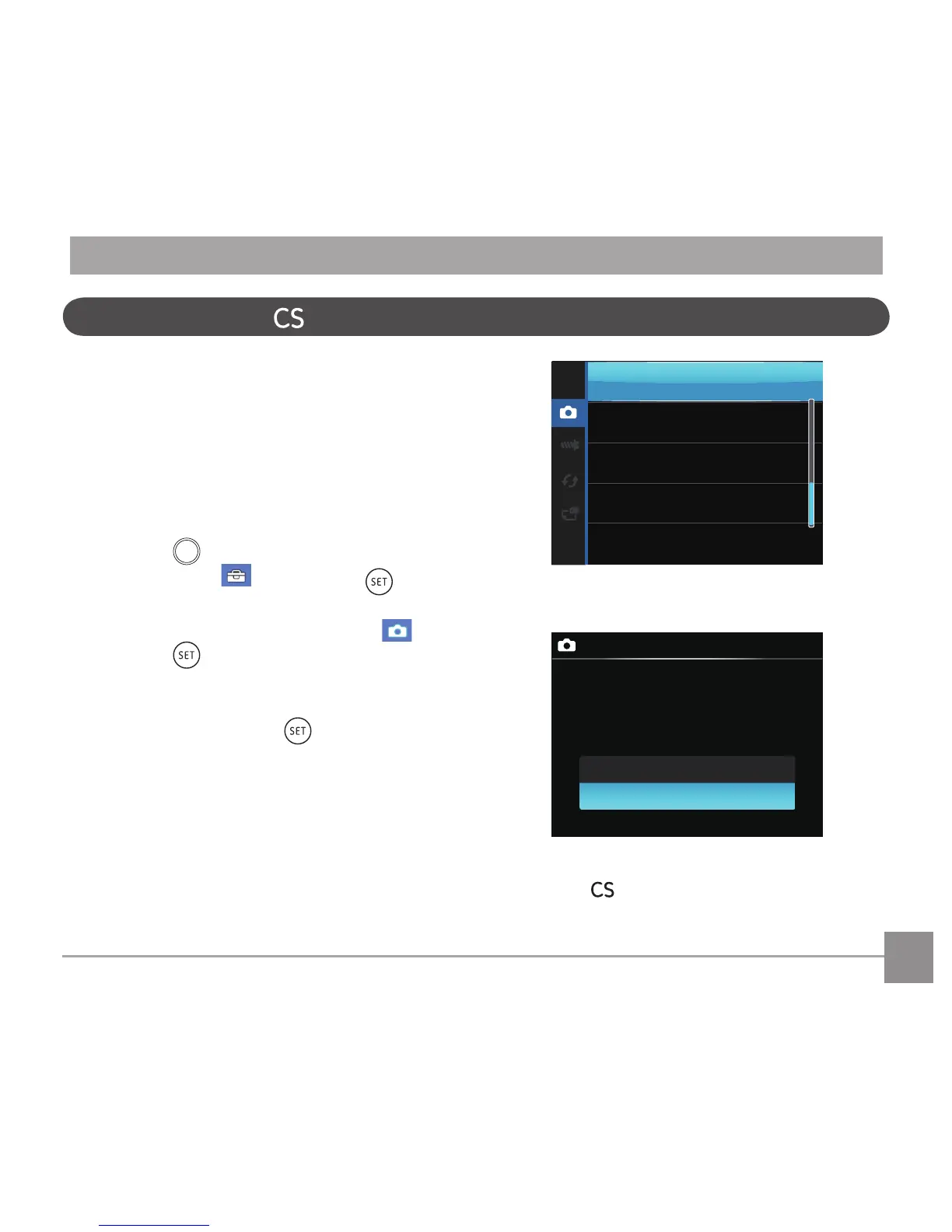
3. Press the
button, press the left/right arrow
button to select , and press the button
to enter the menu.
4. Press up/down arrow button to select
, and
press the button or right arrow button to
enter the menu.
5. Press the down arrow button select
「Custom
Settings」and press the button or the right
arrow button to enter the menu.



 To Next Page