72
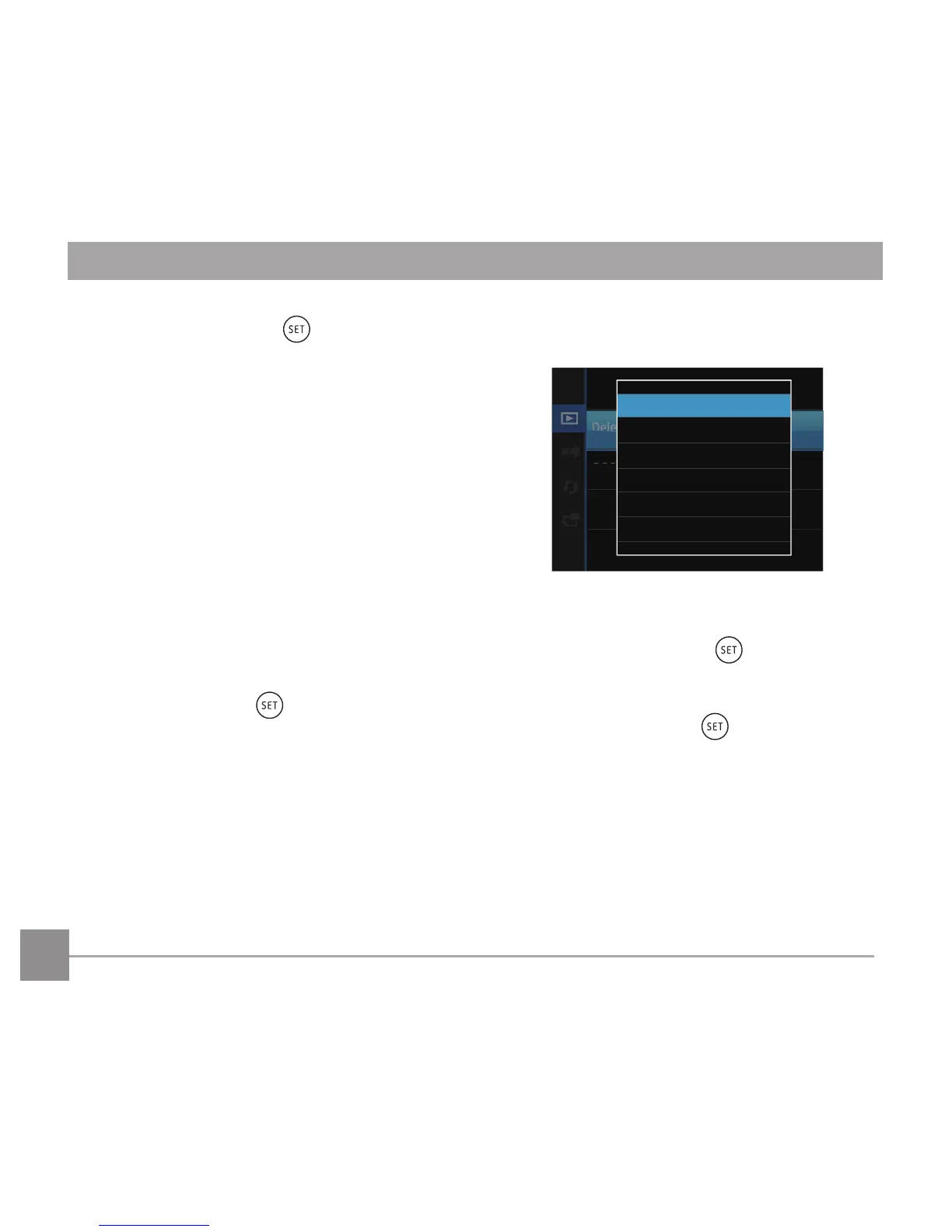
2. Press the up/down arrow button to select the
sub-menu and press the button or right
arrow button to show the settings screen.
There are 4 sub menus available:
• One: Lock the selected photo or
videoiftheyareunprotected;
unlock the selected photo or
video if they are protected.
• Date Folder: Protect all photos in the Date
Folder.
• All: Lock all photos or videos.
• Reset: Cancel all locked photos or
videos.
3. Press the up/down arrow buttons to select an
option and press the buttontoconrm.
Delete
Youcandeleteoneorallphoto/videoles.
Todeletephotoorvideoles:
1. Press the up/down arrow button to select
「Delete」and press the button or right
arrow button to enter the submenu.
2. Press the up/down arrow button to select the
submenu and press the button or right
arrow button to show the settings screen.
There are 3 sub menus available:
• One: Delete one photo or
video.
• Date Folder: Delete all photos in the
Date Folder.
• All: Delete all photos or
videos.



 To Next Page