87
After setting the USB mode to Printer, the
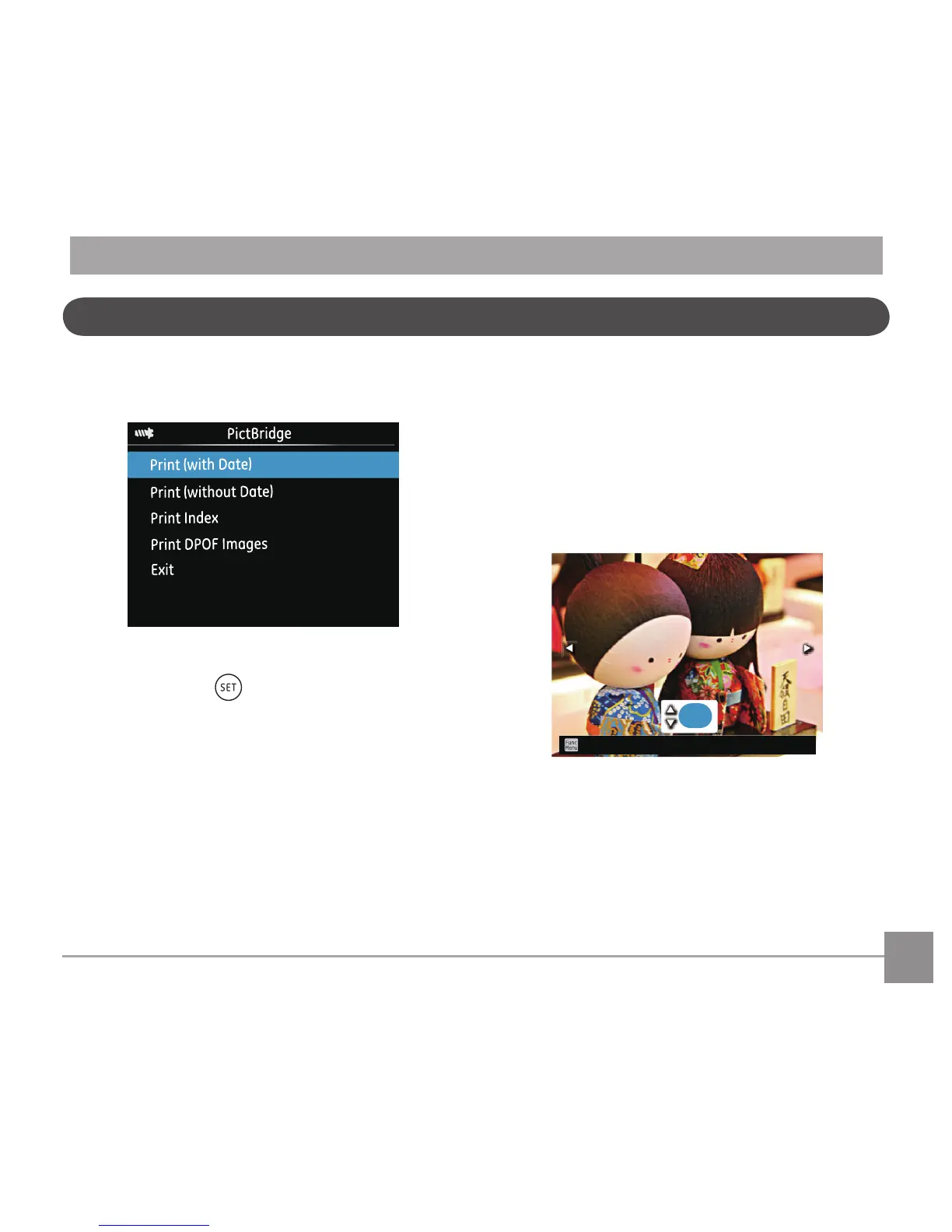
PictBridge Menu will appear.
Press the up/down arrow button to select a menu
item and press the button or right arrow
button to enter the item.
Refer to the following sections for more detailed
information on each setting.
Print (with Date)
If you have set the date and time on your camera,
the date and time will be recorded and saved with
each photo you take.
1. In the PictBridge menu, select
「Print (with
Date)」and the screen as shown below
appears.



 To Next Page