81
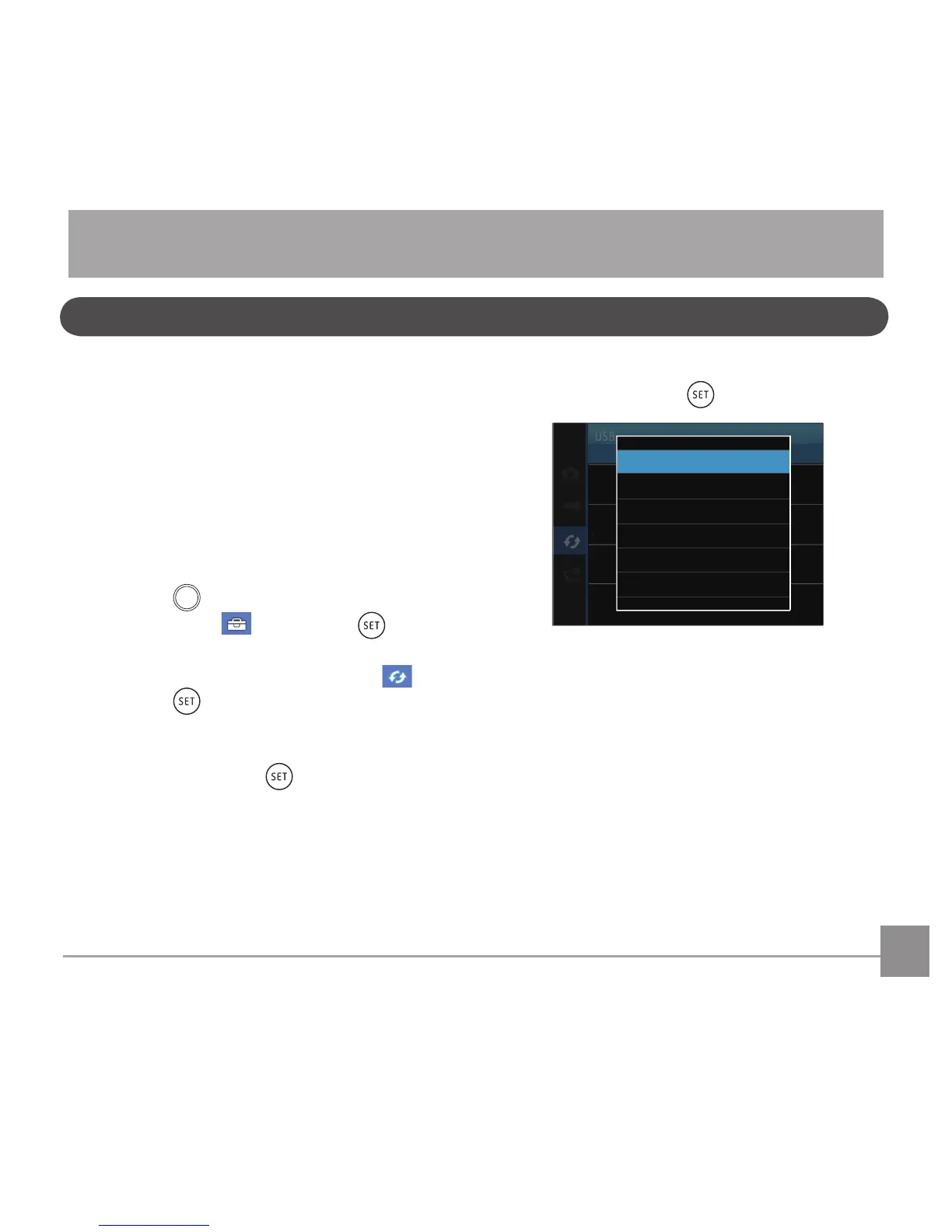
4. Press the up/down arrow buttons to select
「PC」and press the buttontoconrm.
TV System
NTSC
Eye-Fi
Off
USB
PC
TV System
NT
Connecting to a Computer
You can use a USB cable to connect the camera
and copy (transmit) photos to a computer, printer
or other device.
Setting the USB Mode
The camera’s USB port can be set to connect with
either a computer or a printer. The following steps
will allow you to ensure that the camera is correctly
conguredtoconnectwithaPC.
1. Press the
button, press the left /right arrow
button to select and press the button
to enter the menu.
2. Press up/down arrow button to select
and
press the button or right arrow button to
enter the menu.
3. Press the up/down arrow button to select
「USB」and press the button or right arrow
button to enter the menu.
CONNECTIONS



 To Next Page