77
Power Saver
This setting allows you to save power and get the
maximumpossiblerunningtimeforyourcamera's
batteries. Follow the steps below to turn the LCD
screenandcameraoautomaticallyaftera
consecutive period of inactivity.
1. Select
「Power Saver」in the basic settings
menu. Press the button or right arrow
button to enter the menu.
2. Press the up/down arrow button to select an
option.
3. Press the buttontoconrm.
Language
Refer to the “Reset your language” section on page 20.
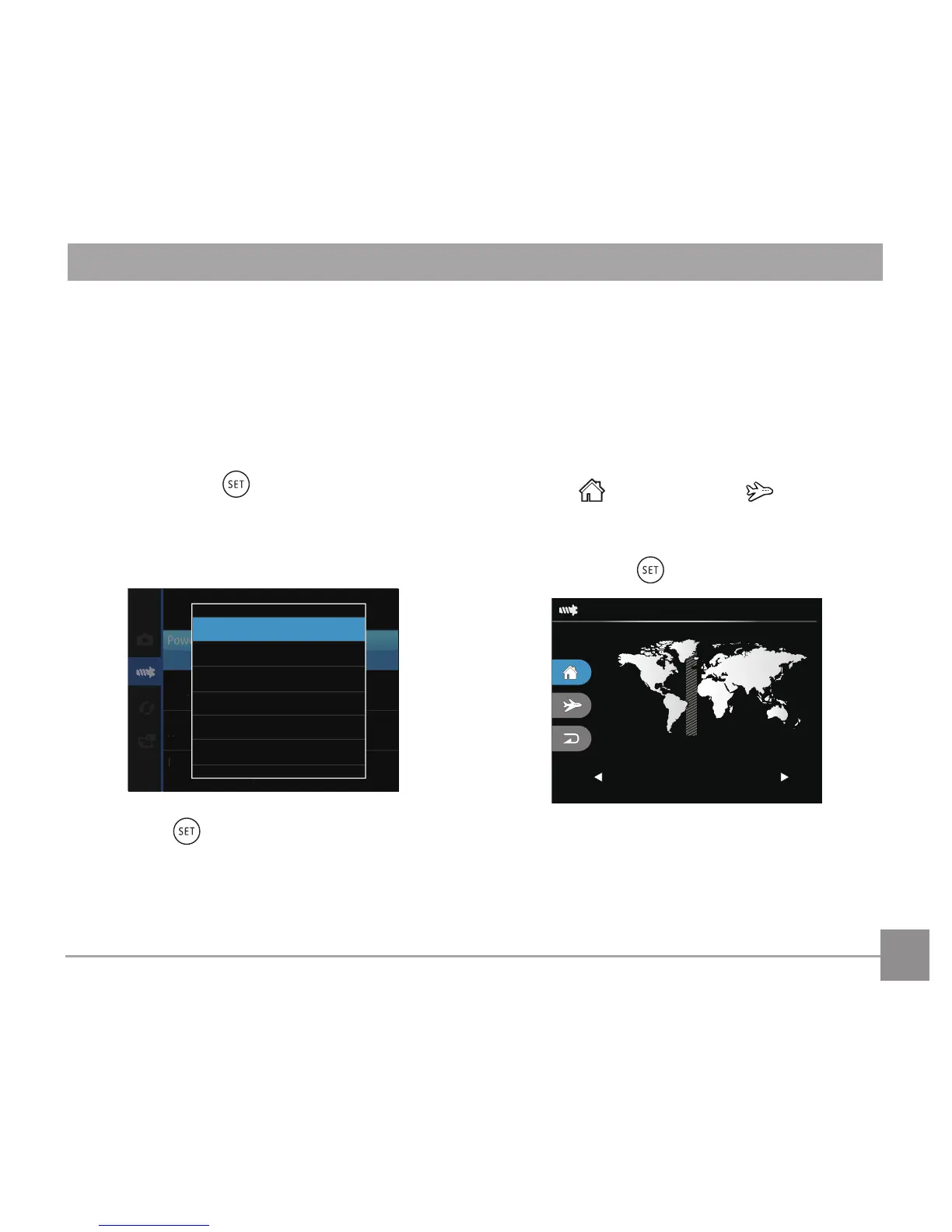
Zone
The Zone setting is a useful function for your overseas
trips. This feature enables you to display the local
time on the LCD screen while you are abroad.
1. Select
「World Time」in the basic settings
menu. The World Time screen appears.
2. Press the up/down to select the departure
place ( ) and destination ( )elds.
3. Press the left/right arrow button to select a city
located in the same time zone as that of the
eld.Pressthe buttontoconrmsettings.



 To Next Page