80
FW Version
Use this setting to view the current camera
rmwareversion.
1. Press the
button, press the left /right arrow
button to select and press the button
to enter the menu.
2. Press up/down arrow button to select
and
press the button or right arrow button to
enter the menu.
3. Press the up/down arrow button to select
「FW Version」and press the button or
right arrow button to enter the menu.
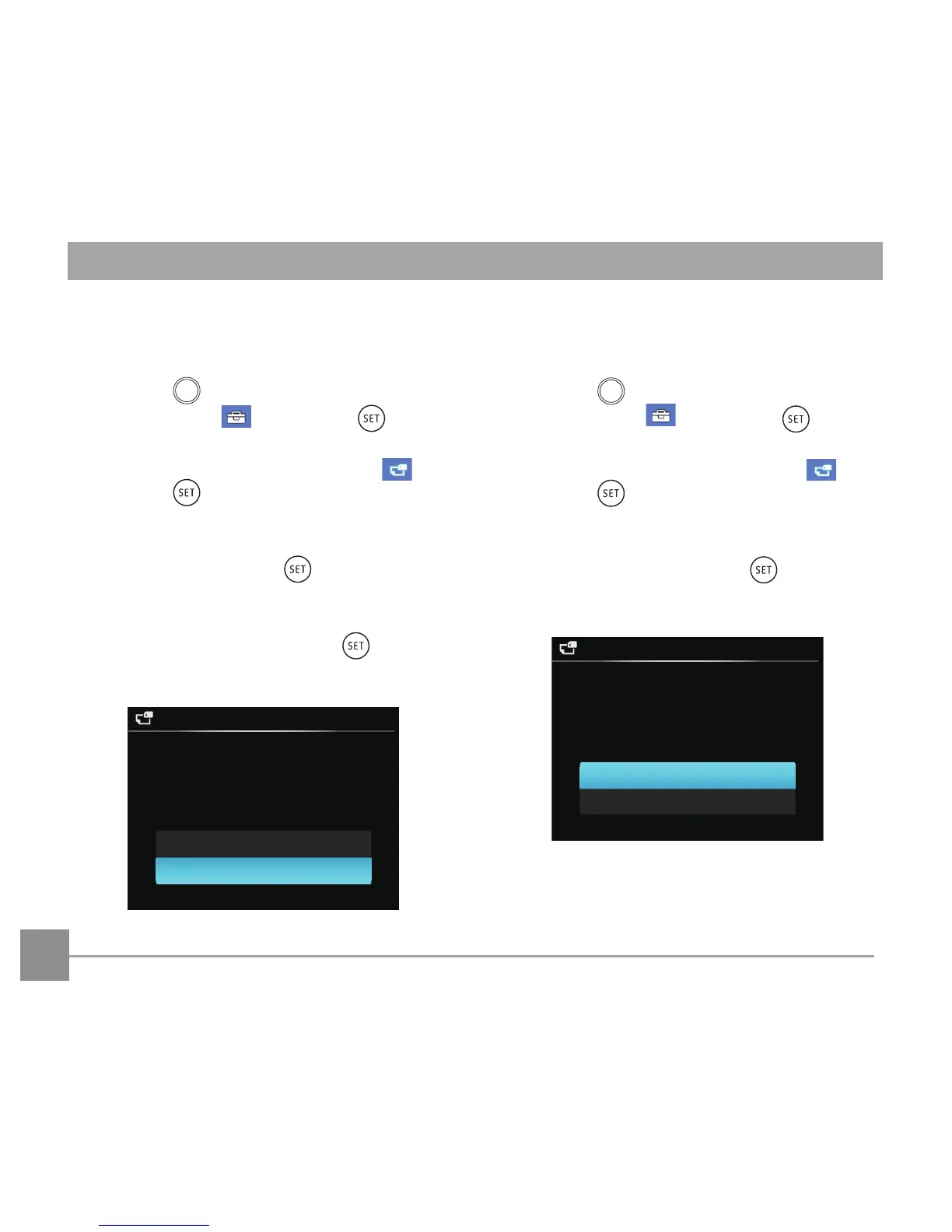
FW Version
Current Ver:1.XX
New Ver.:1.XX
Cancel
Yes
Update Firmware?
4. WhenthereisanewrmwareversionintheSD
card, select「Yes」to update.
Reset
Use this setting to restore the camera to its
original factory default settings.
1. Press the
button, press the left /right arrow
button to select and press the button
to enter the menu.
2. Press up/down arrow button to select
and
press the button or right arrow button to
enter the menu.
3. Press the up/down arrow button to select
「Reset」and press the button or right
arrow button to enter the menu.
4. Press the up/down arrow buttons to select
「Yes」or「No」and press the button to
conrm.
Reset
Reset camera settings to
factory defaults.
Yes
No



 To Next Page