73
3. Press the up/down arrow buttons to select an
option and press the buttontoconrm.
The “ ”indicatormeansaleisprotected.
Fileprotectionmustberemovedrstbeforea
lecanbedeleted.
DeletingleswillcauseDPOFsettingsto
be reset.
When a single photo in the Date Folders
is protected, the protected photo is to be
retained while other photos are to be deleted.
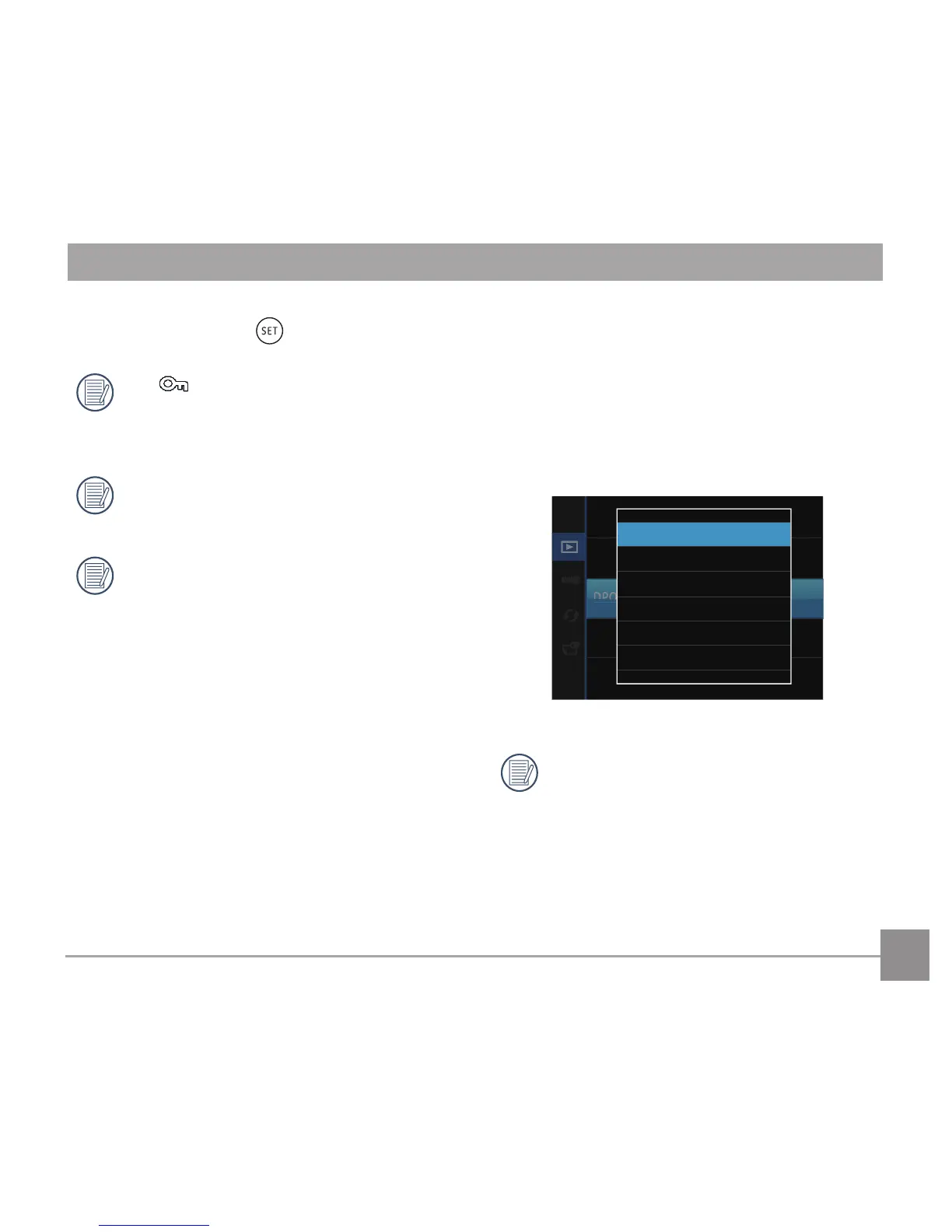
DPOF (Digital Print Order Format)
The DPOF feature allows you to compile and select
a group of pictures that you would like to print and
will save your selection on the memory card so that
you can use the SD memory card to print without
having to individually specify the photos you want
to print.



 To Next Page