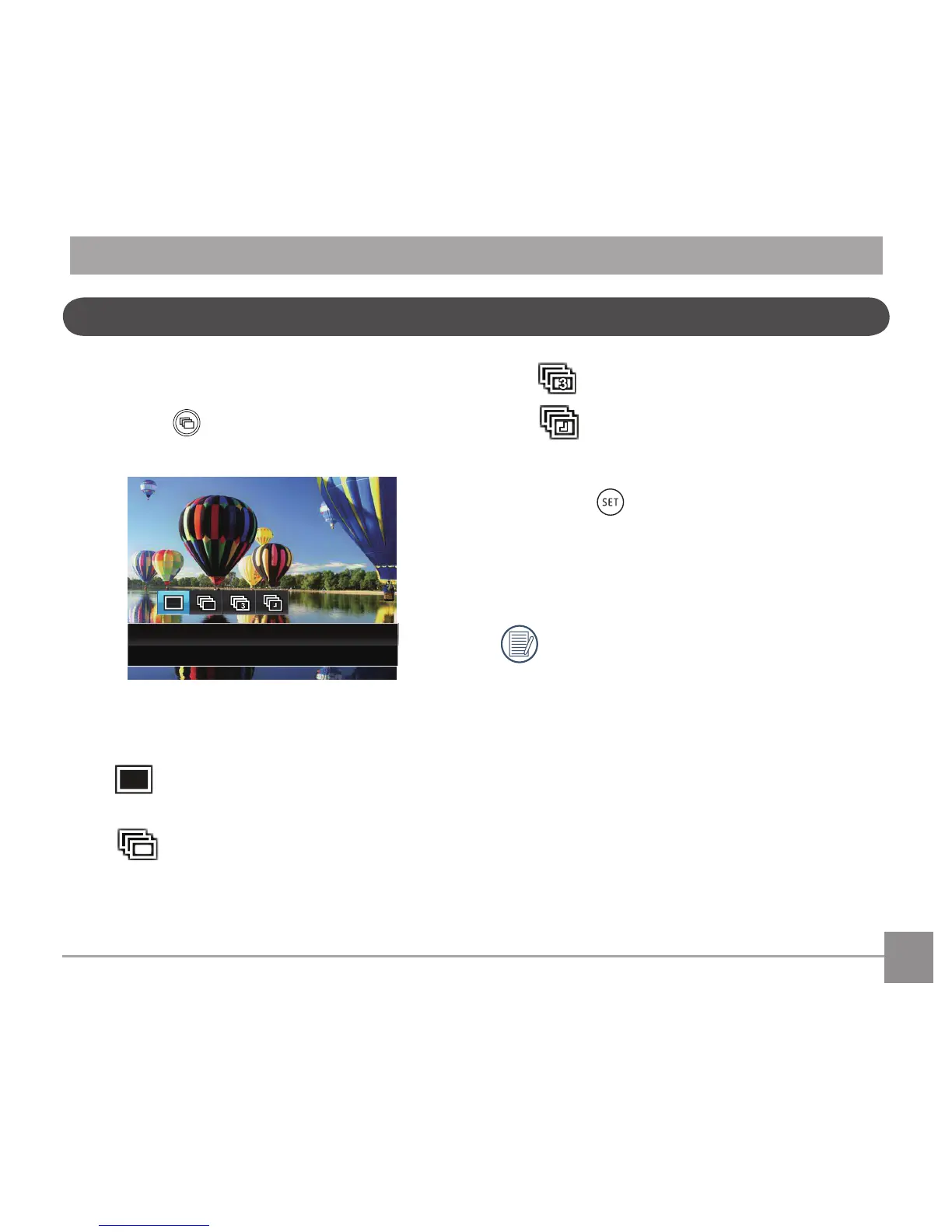
2. Press the left/right to select the following 4
modes:
• Single
• Continuous Shot
• 3 Shots
• Time-Lapse
Take pictures based on the preset
interval (30sec/1min/5min/10min).
3. Press the
buttontoconrmthesettings
andexitthemenu.
4. Press the shutter button to start continuous
shooting.
Theashisdisabledinthismodeinorderto
achieve quick succession of shots.
Continuous Shooting



 To Next Page