46
EV Setting
The EV function menu of the camera includes
functions, such as EV adjustment, ISO, shutter,
aperture, etc. Using the appropriate function
settings can improve your pictures.
To select the best setting for optimum photos,
follow these steps:
1. Press the
button to display the settings
screen.
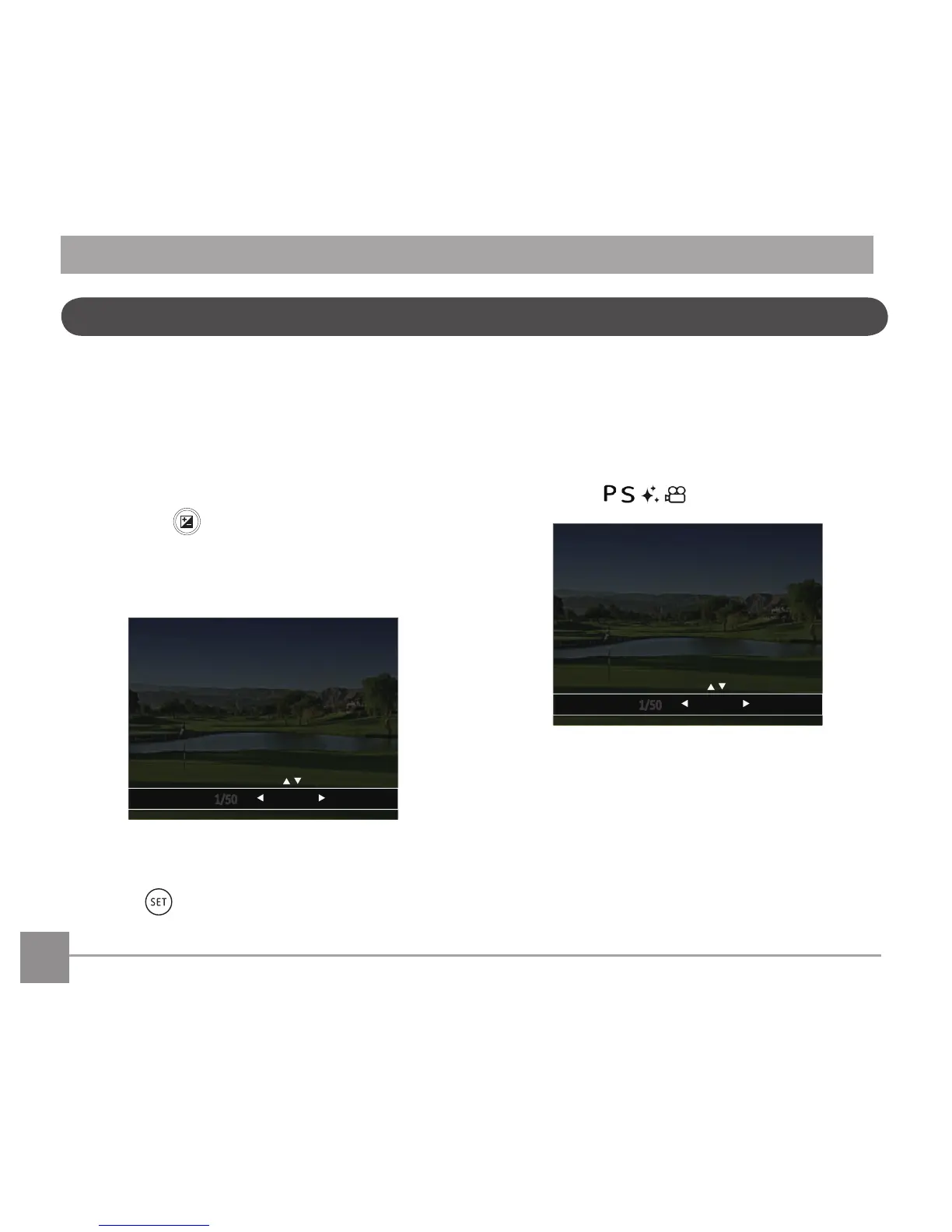
2. Press the left/right arrow button to select the
setting options.
3. Press the up/down button to adjust the option
values.
4. Press
button to complete the setting and
enter shooting mode.
Exposure Compensation
Set up to adjust the picture brightness. In the case
of a very high contrast between the photographed
object and the background, the brightness of the
picture can be appropriately adjusted.
(Adjustable in Mode)



 To Next Page