83
Video System
You can use the AV cable (Sold separately) to
connect the camera to a television . Connect one
end of the AV cable to USB/AV port of the camera,
connect the other end to AV-OUT port of the
television. Adjust the format of the video output
system according to your requirements, and the
steps are as follows:
1. Press the
button, press the left /right arrow
button to select and press the button
to enter the menu.
2. Press up/down arrow button to select
and
press the button or right arrow button to
enter the menu.
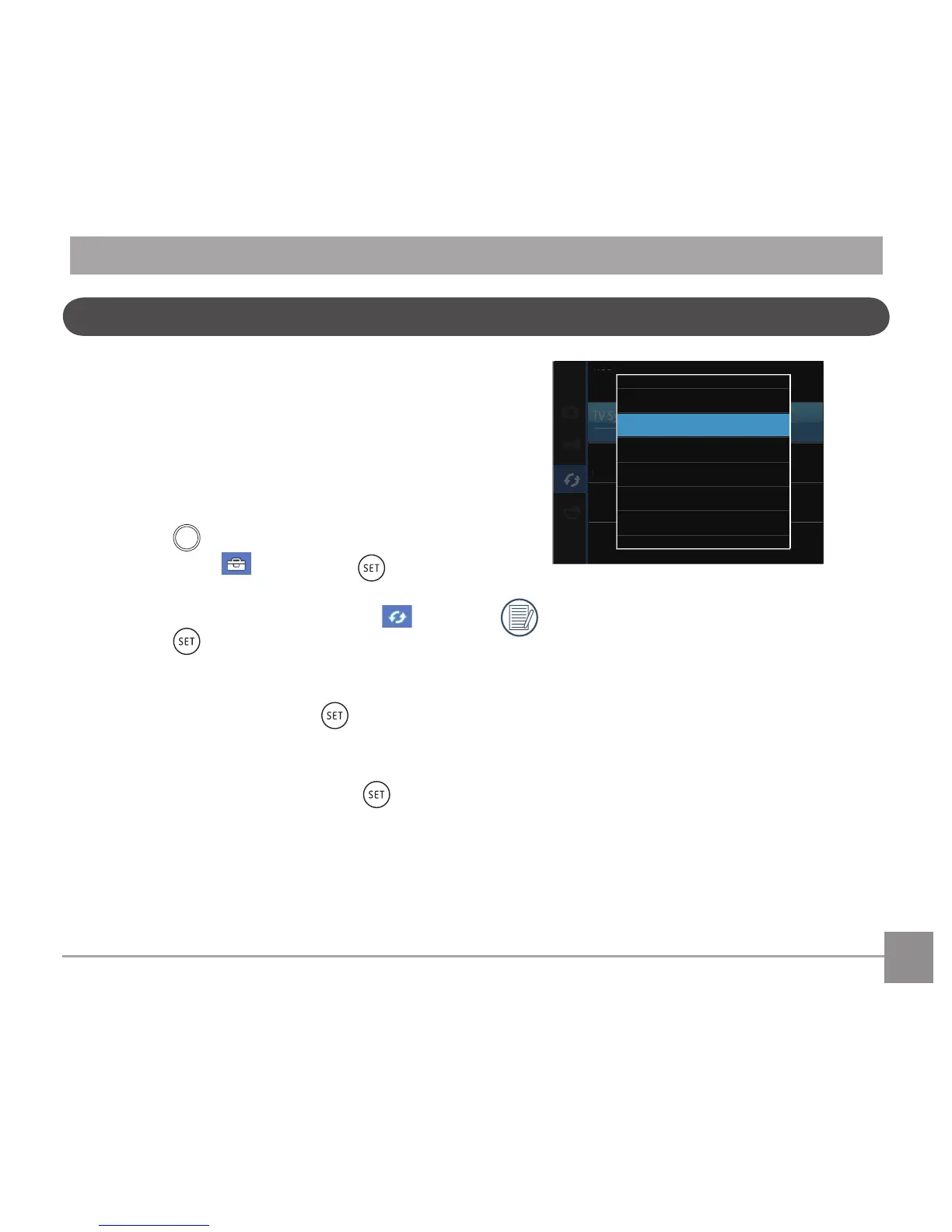
3. Press the up/down arrow button to select
「TV-System」and press the button or
right arrow button to enter the menu.
4. Press the up/down arrow buttons to select
「NTSC」or「PAL」and press the button
toconrm.
The video output system would change
accordingly based upon the changes of the
selected language.
NTSC: English, Chinese (Traditional),
Japanese, French, Korean, Russian,
Vietnamese, Greek, Hungarian.
PAL: German, Spanish, Italian,
Chinese(Simplied),Portuguese,
Swedish, Danish,Finnish, Indonesia,
Norwegian,Dutch, Turkish, Polish,
Thai,Croatian, Czech.



 To Next Page