40
Focus Setting
3. Press the buttontoconrmthesettings
andexitthemenu.
Once enabled, Object Tracking will only work
when lens is focused on the object.
Indierentphotoshootingmodes,youcanselect
dierentfocusmethods.
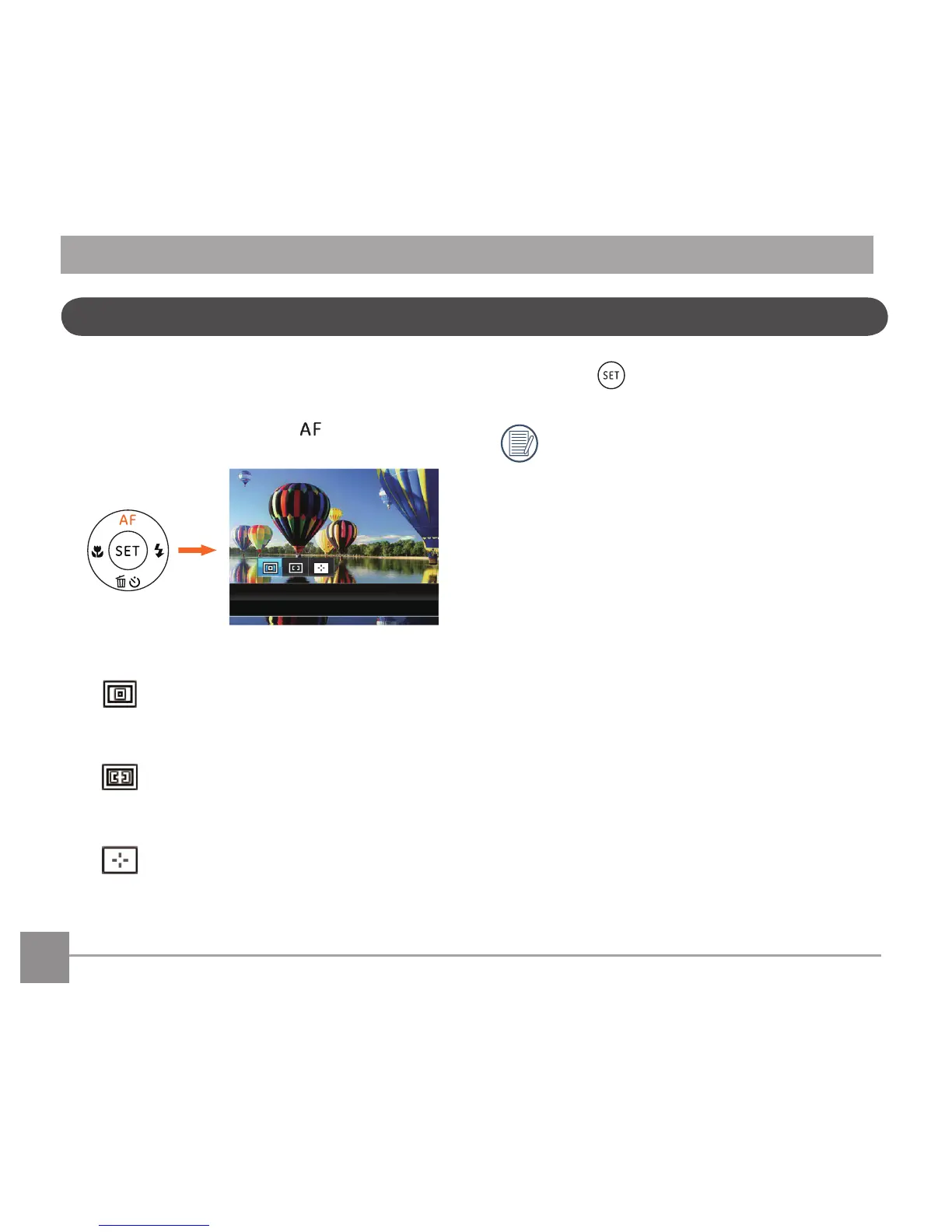
1. Press the up arrow button
to display the
settings screen.
2. Press the left/right to select the following 3 modes:
Single-AF: The focus frame appears on the
center of the LCD screen to focus on the
subject.
Multi-AF: The camera automatically
focuses the subject in a wide area to
ndthefocuspoint.
Object Tracking: Smart tracking of the
object in motion under the focusing
shooting.



 To Next Page