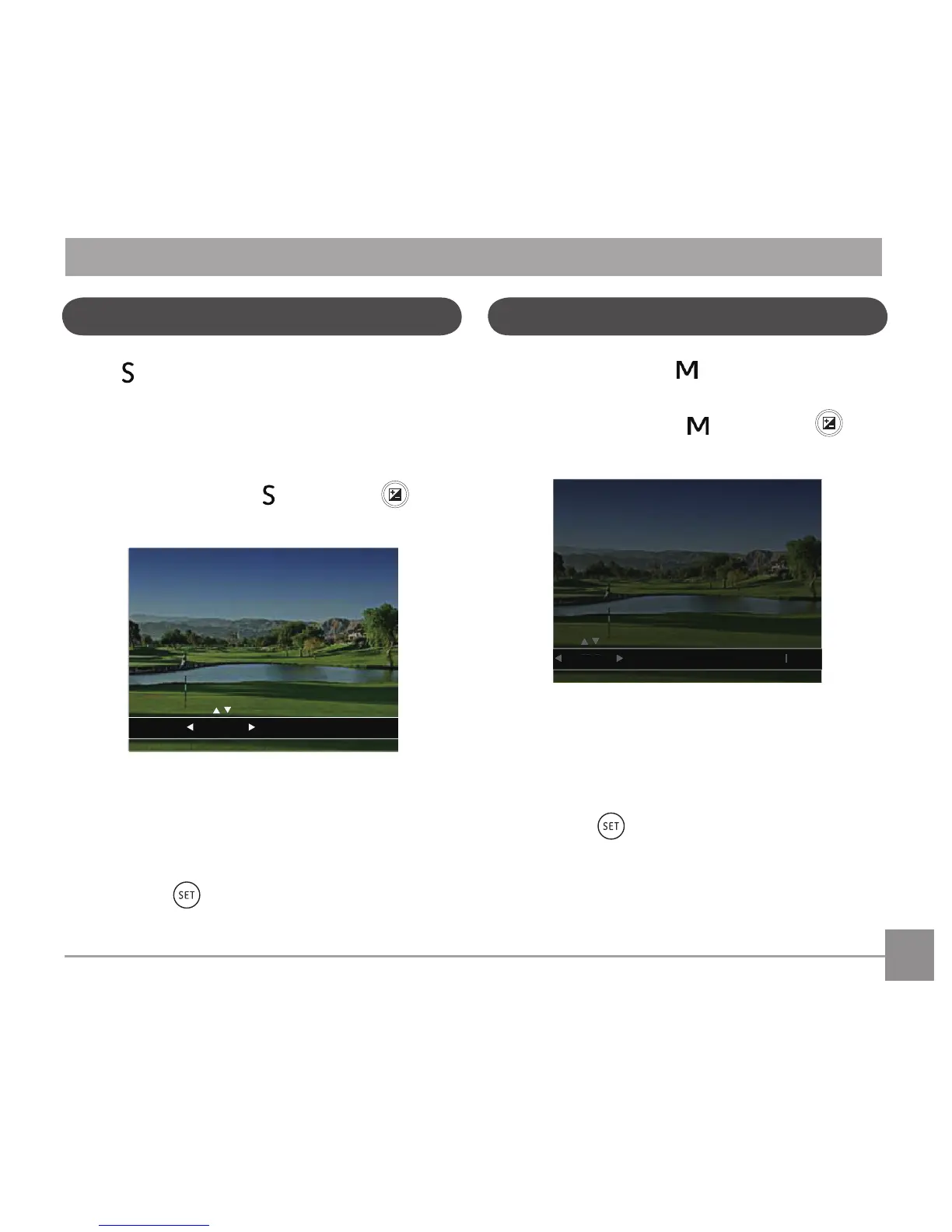
When [Shutter Priority] is selected, you can
adjust the shutter speed and EV value. The camera
automatically sets the aperture value based on the
shutter speed value to get the most appropriate
exposurevalue.
1. Turn the mode dial to
and press the
buttontoconguresettings.
2. Press the left/right arrow button to select an
adjustment item.
3. Press the up/down button to adjust the
parameters.
4 Press the
buttontoconrmthesettings
and enter the shooting screen.
Manual Mode
When selecting manual mode, you can set the
aperture / shutter speed manually and ISO value.
1. Turn the Mode Dial to
and press the
buttontoconguresettings.
1/5
- 0.3 E
OSI 004
F3.7
V
0
1/
2. Press the left/right arrow button to select an
adjustment setting.
3. Press the up/down button to adjust the
parameters.
4. Press the
buttontoconrmthesettings
and enter the shooting screen.



 To Next Page