2. Press the left/right arrow button to select the
options.
3. Press the up/down arrow button to select
the parameters and press the button to
conrm.
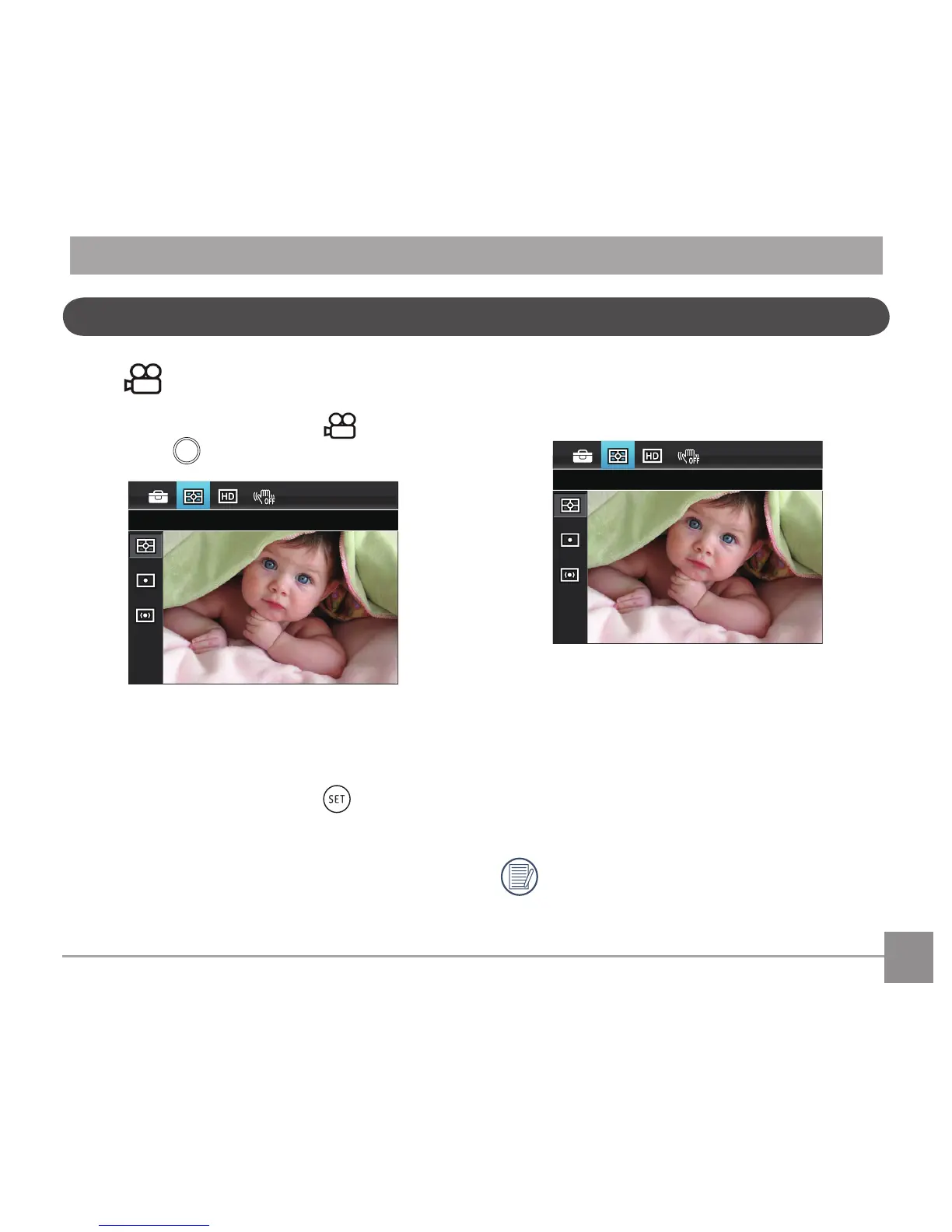
Expo Metering (Exposure Metering)
Use this setting to select the "target" size of the
camera'seldofviewtobemetered.
There are 3 options:
• AiAE(ArticialIntelligenceAE)targetsthe
camera'sentireeldofview.
• Spot metering targets a small area in the
centerofthecamera'seldofview.
• Center metering targets a slightly larger
areainthecenterofthecameraseldof
view.
AIAE(ArticialIntelligenceAE):
Automatically selects the central and
peripheral metering, to calculate the
reasonable value of metering by weighting.



 To Next Page