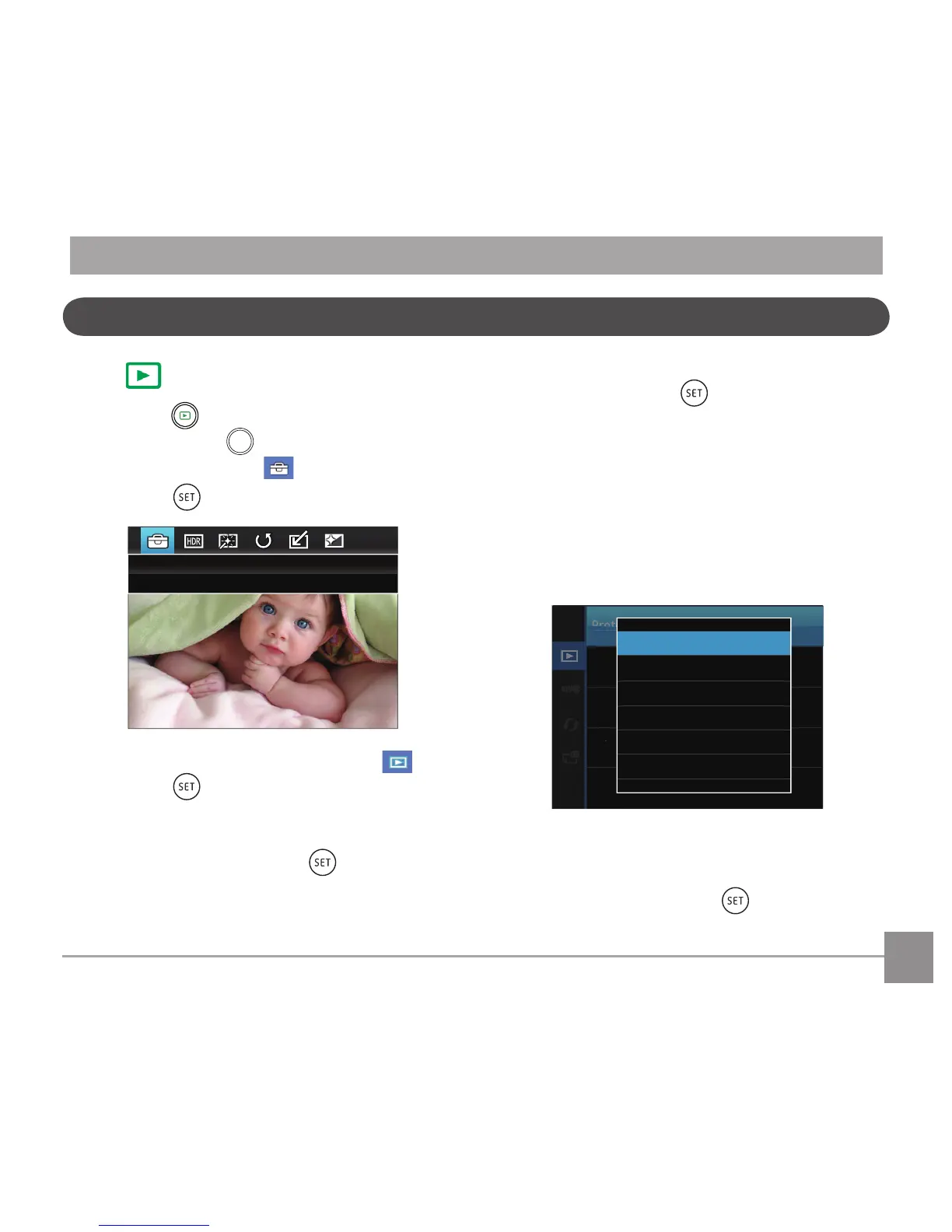
button, and press the left
/right button to select .
2. Press the
button to enter the menu.
3. Press up/down arrow button to select , and
press the button or right arrow button to
enter the menu.
4. Press the up/down arrow button to select the
item to be set and press the button or right
arrow button to enter the menu.
5. Press the up/down arrow buttons to select an
option and press the buttontoconrm.
Refer to the following pages for more details about
each setting.
Protect
To prevent any pictures or videos from being
accidentally erased, use this setting to lock one or
alloftheles.
Tolockorunlockthephotoandvideoles:
1.
Press the up/down arrow button to select
「Protect」and press the button or right
arrow button to enter the sub-menu.
Playback Setup Menu



 To Next Page