28
Auto Mode is the easiest mode to take photos. While
operating in this mode, the camera automatically
optimizes numerous camera settings to adjust your
photos and videos for the best possible results.
Follow these steps:
1. Use the power switch to turn the camera on.
2. Switch the Mode Dial to Auto Mode
.
3. Compose your picture in the LCD screen and
press the Shutter button halfway down to focus
on the subject.
4. The LCD screen will show a green focus frame
when the subject is in focus.
5. Fully press the shutter button down to take
pictures.
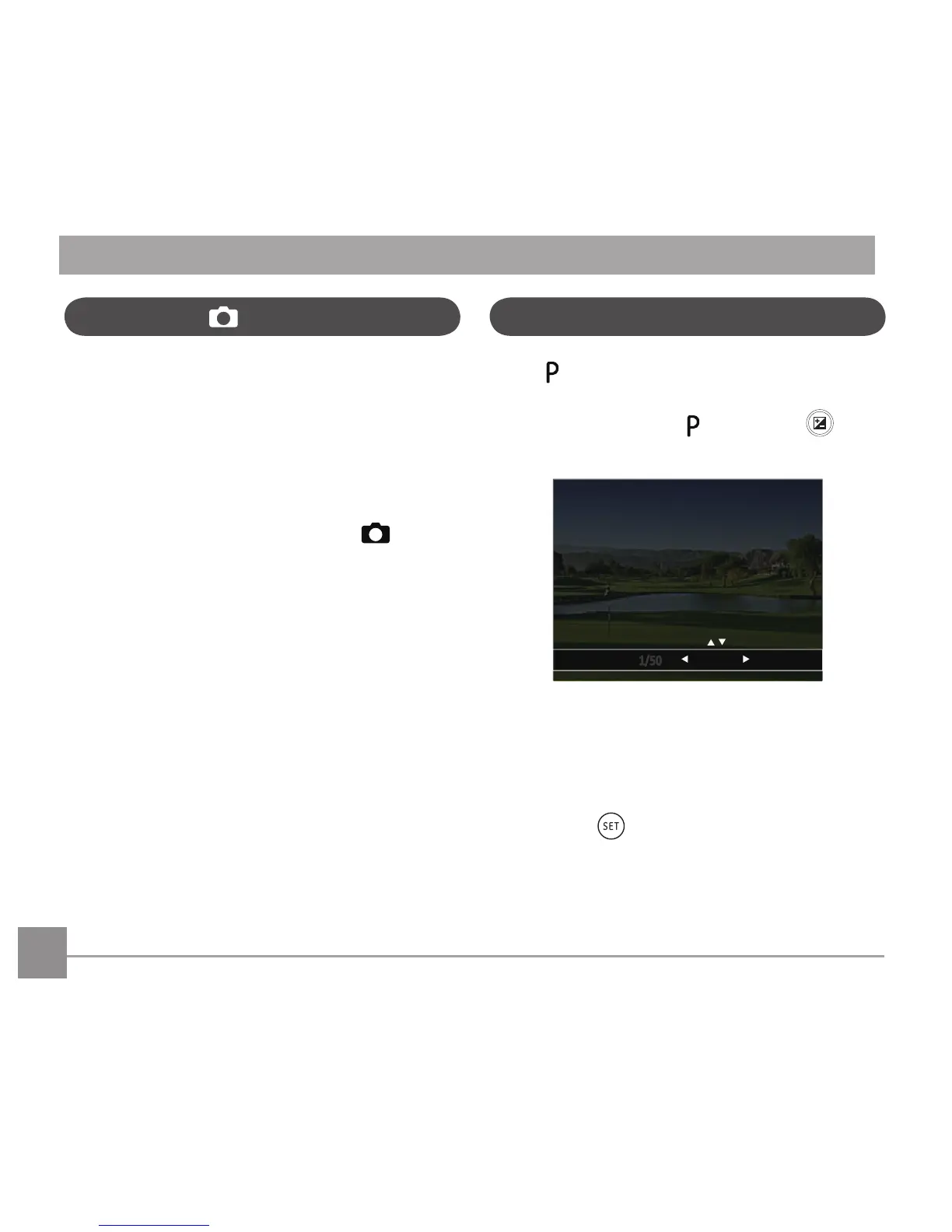
When [Program AE] mode is selected, you can
adjust the EV value and ISO value.
1. Turn the mode dial to
and press the
buttontoconguresettings.
2. Press the left/right arrow button to select an
adjustment item.
3. Press the up/down button to adjust the
parameters.
4. Press the
button to engage the settings
and enter the shooting screen.
Program AE



 To Next Page