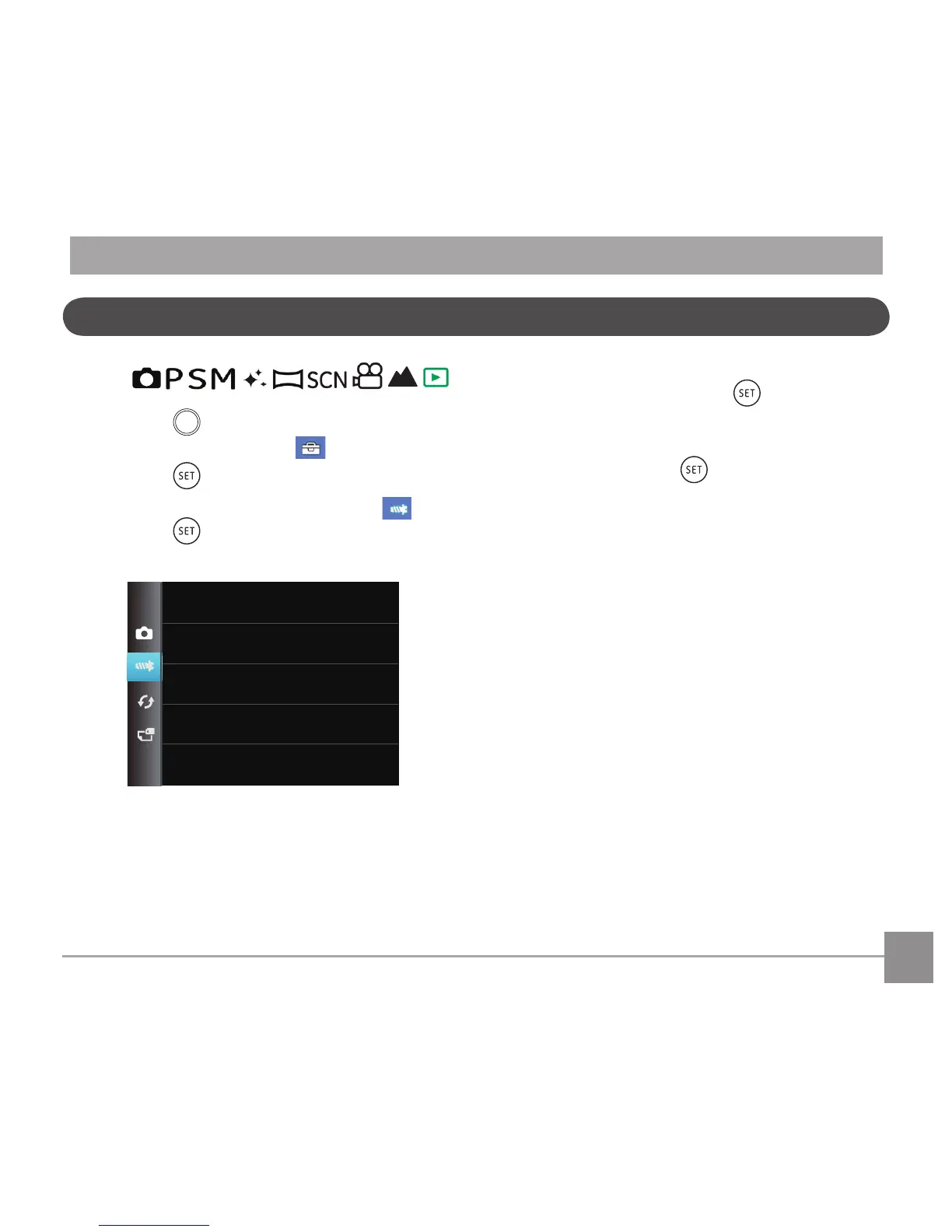
button in any mode and press the
left /right button to select .
2. Press the
button to enter the menu.
3. Press up/down arrow button to select
, and
press the button or right arrow button to
enter the menu.
4. Press the up/down arrow button to select the
item to be set and press the button or right
arrow button to enter the menu.
5. Press the up/down arrow buttons to select an
option and press the buttontoconrm.
Refer to the following pages for more details about
each setting.



 To Next Page