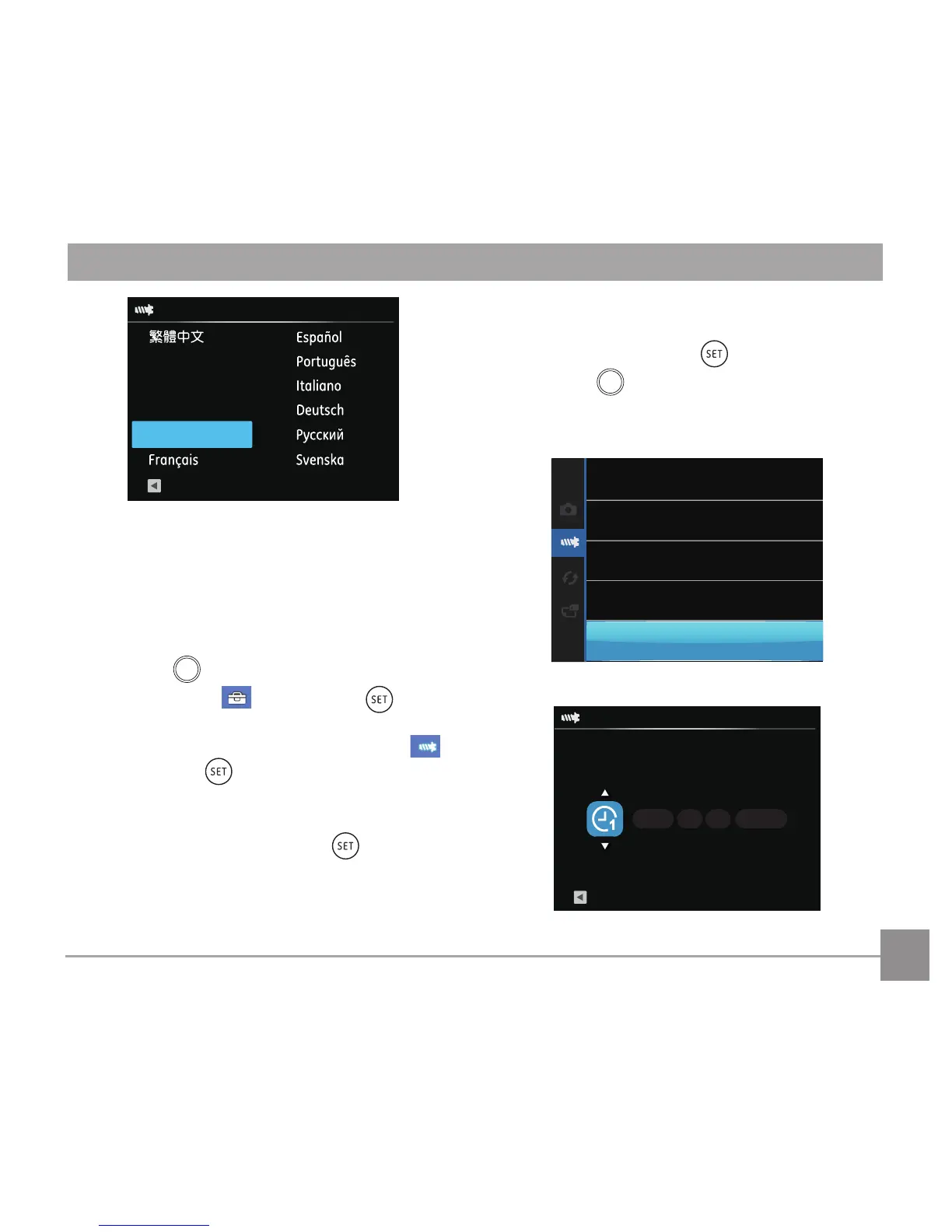
Resetting Date/Time
AfteryousetyourDate/Timeforthersttime,
follow the instructions below to reset date and
time.
1. Turn the camera on via the power switch.
2. Press the
button, press the left/right arrow
button to select , and press the button
to enter the menu.
3. Press the up/down arrow button to select
,
and press the button or right arrow button
to enter the menu.
4. Press the up/down arrow button to select
「Date & Time」and press the button or
right arrow button to enter the menu.
5. Press the left/right arrow button to select the
Date/Time to be adjusted: Time is displayed in
yyyy:MM:dd HH:mm.
6. Press the up/down arrow button to press the
valueforyourselectedblock.Afteryounish
your settings, press the buttontoconrm.
7. Press the



 To Next Page