54
Photos and Video Deletion
In playback mode, press the down arrow button
to select your photos and videos.
To delete photos or videos:
1. Press the
button to switch to playback
mode.
2. Press the left/right arrow button to select the
photos and videos to be deleted.
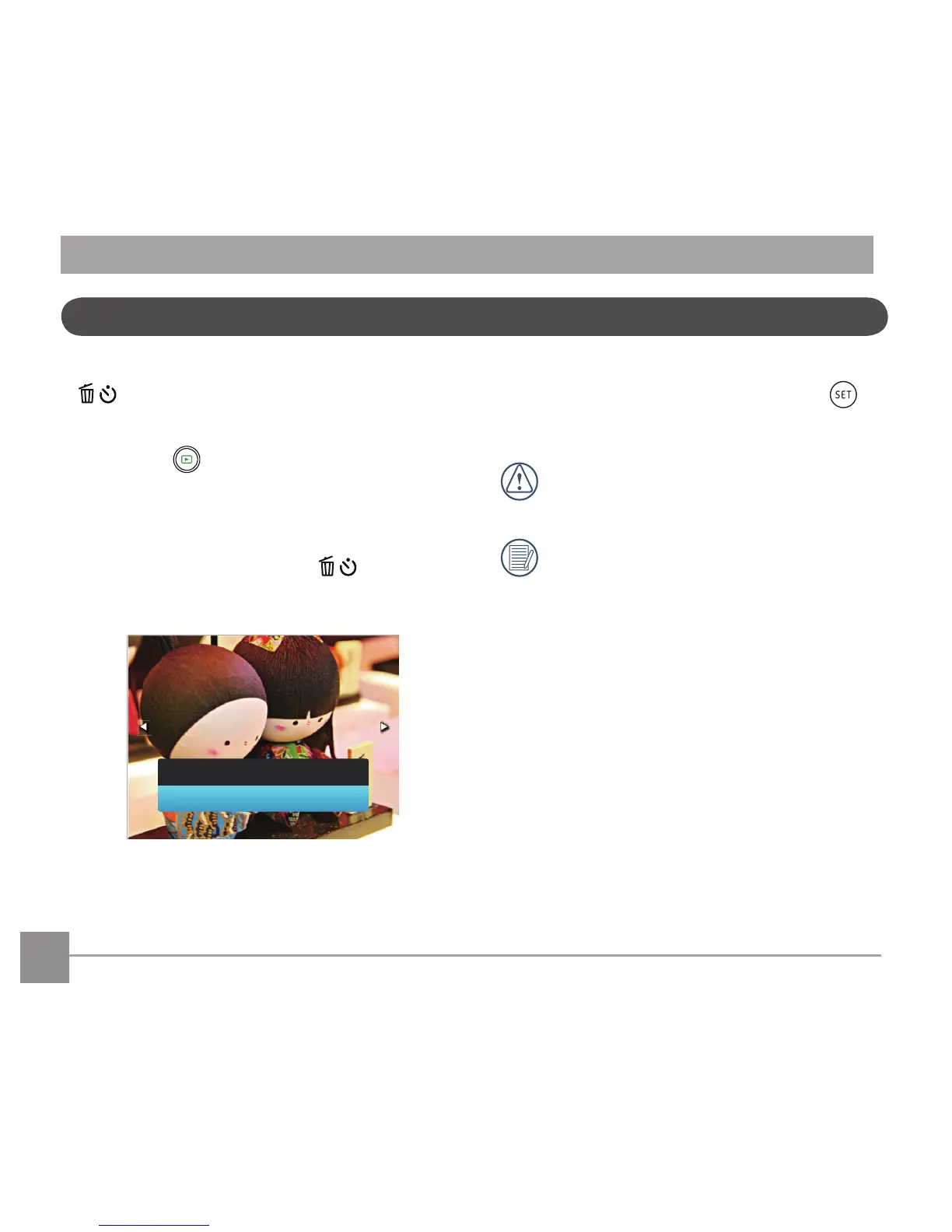
3. Press the down arrow button
and the
deletion screen is displayed.
4. Press the up/down arrow button to select
「Delete One」or「Exit」and press the
buttontoconrm.
Erased photos/video clips cannot be
recovered.
Please refer to page 72 for instructions on
deleting more than one image at a time.



 To Next Page