32
Scene Mode
You can select an appropriate mode from the 22
scene modes according to the type of
environment you are shooting. The camera then
conguresthemostappropriatesettings
automatically.
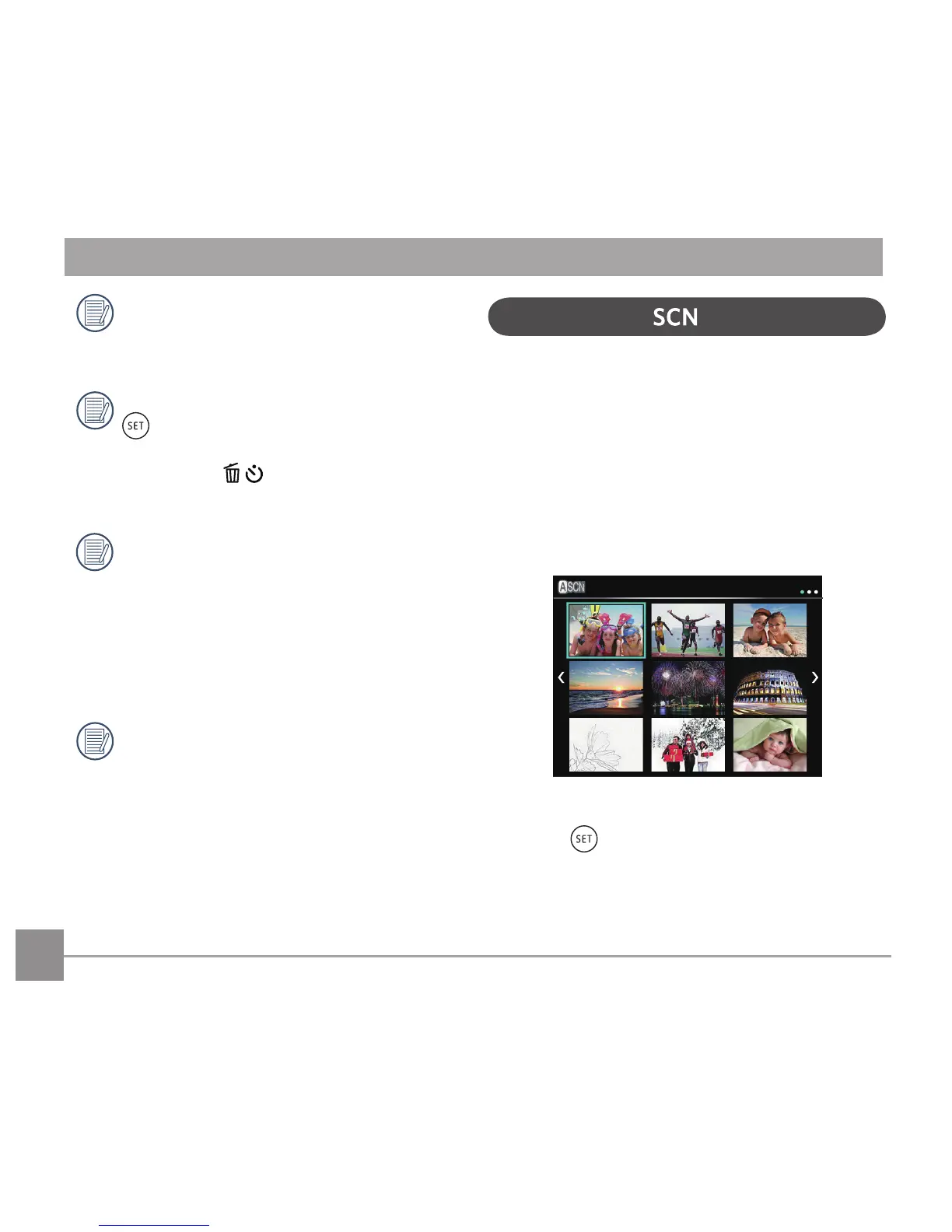
Turn the Mode Dial to the Scene Mode to enter the
Scene Mode menu. What the LCD screen displays is
shown in the screen shot below:
Press the arrow buttons to select a scene, and
press the buttontoconrm.
Flash Mode, Self-Timer, Macro Mode, and
ExposureCompensationarealldisabledin
Panorama Mode.
During panorama mode shooting, press the
button to interrupt shooting and save
the current pictures taken. Press the down
arrow button to cancel shooting and
not to save the previously taken pictures.
In the process of automatic panoramic
shooting, "Improper alignment. Please try
again." shown on the LCD screen means that
the moving angle deviates from the green
baseline during camera moving which leads
to shooting failure, and you need to shoot
again.
In Panorama mode, up to 4 photos can be
captured when the image size is set at 2MP.



 To Next Page