Operation
36
1
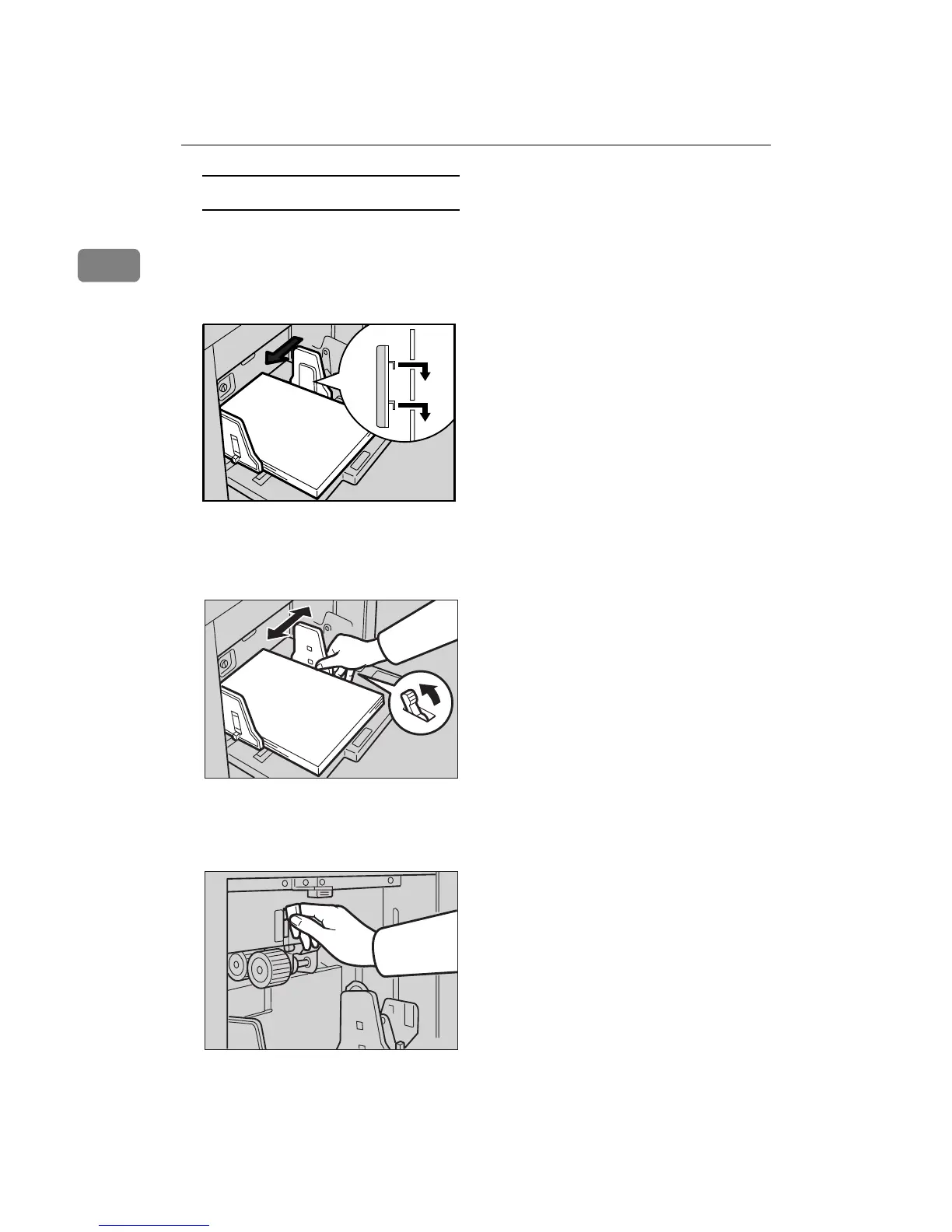
When printing onto thin paper
A Set the side pads to both sides
of the paper feed side plates.
Make sure that the paper feed
side plates touch the paper
lightly.
D
DD
D
Shift the lock lever to its original
position.
E
EE
E
When you finish printing, shift
the feed roller pressure lever to
the Standard paper position.
ZCUH180E



 To Next Page