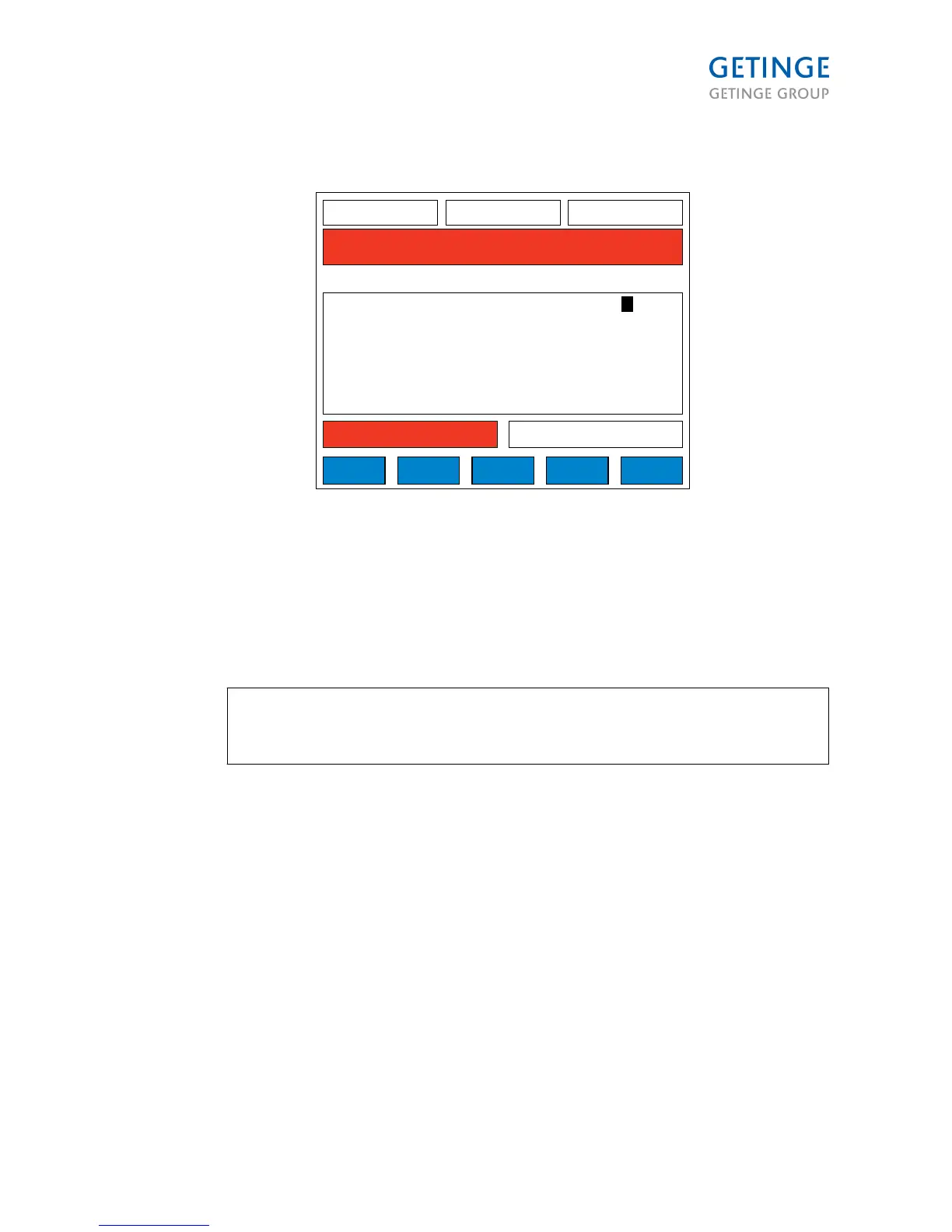
The parameter type is set by default to type P. This menu allows the user to change
the parameter type from "P" to "A". (If the end user wants to print the parameter)
1. Select the parameter with the arrow button.
2. Press the ENTER button.
3. Change the parameter type with the arrow button.
4. Save
Note: If the parameter is a P-type parameter, a supervisor's password is required
to make any changes. If the parameter is an A-type parameter, an operator's
password is required to make any changes.
Page 81 of 166
<Doc_TEC><Doc_6001341502><Rel.A><Lang_en>



 To Next Page