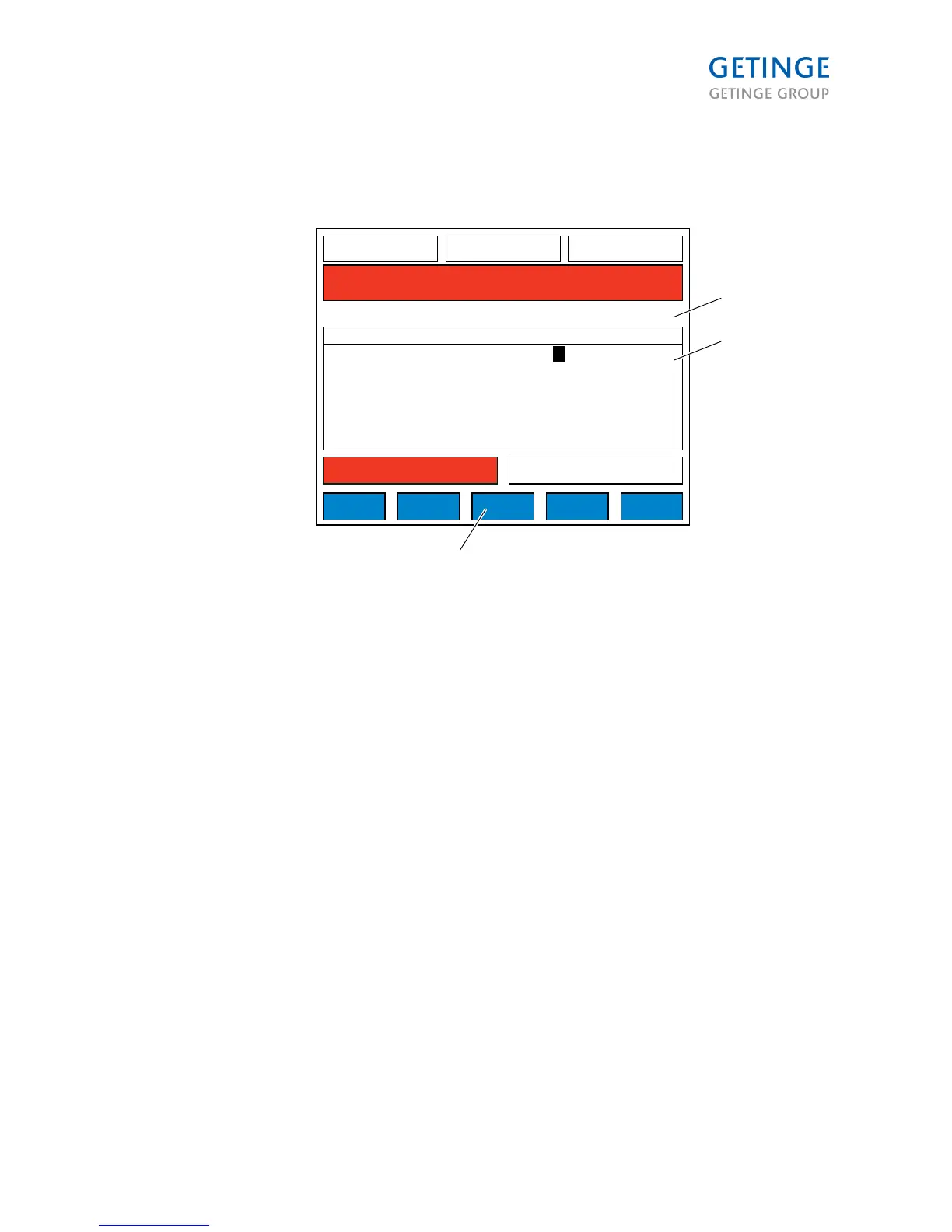
1 ACCESS AREAS
2. Y/N
3. DELETE USER
DELETE USER removes the user the cursor is on and goes to SAVE mode.
ACCESS AREAS to move to menu (2.1.8.6.2.1)
The viewing and editing of users, follow these rules:
1. A password administration user ("Access Y-user") can only edit other users with the same or a
combination of ("Access Y-user") access areas.
2. A ("Access Y-user") has only access to others users from areas that ("Access Y-user") has
access to. Non-allowable access areas are grayed out and cannot be switched.
3. A (”Access Y-user”) cannot delete himself/herself or edit his/hers own access.
Page 85 of 166
<Doc_TEC><Doc_6001341502><Rel.A><Lang_en>



 To Next Page