27
Menu items:
P 0.1 - Operating mode
With this menu item, you select the operating mode for moving the door during OPEN operation and CLOSE operation.
When selecting the option, note the following:
▪ the number of safety devices and safety edges at the door.
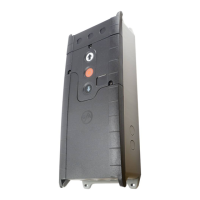
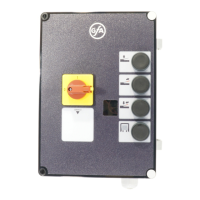
▪ the optional connection of a command device to terminals X5.
Danger due to unattended door movement!
The safety devices are deactivated in operating mode hold-to-run. People or objects in the movement path
are not detected.
Operate the door only with a clear view of the door.
Options .6, provide additional safety; the safety devices remain active despite operating mode hold-to-
Operating mode
►
No safety device on door: hold-to-run OPEN/CLOSE
No safety device on door: self-hold OPEN and hold-to-run CLOSE
One safety device on door: self-hold OPEN/CLOSE
.4
One safety device on door: self
CLOSE operation is also possible in hold
run with a control device on X5
.6
One safety edge on door: hold
P 0.3 - Selection of the safety devices
i
This menu item is only enabled at initial operation or after a complete reset. The selection must be made
before setting the final limit positions. The selection is retained even after a reset but can then be changed.
Selection of the safety devices
►
Light curtain (Only for light curtains with OSE output)


 To Next Page