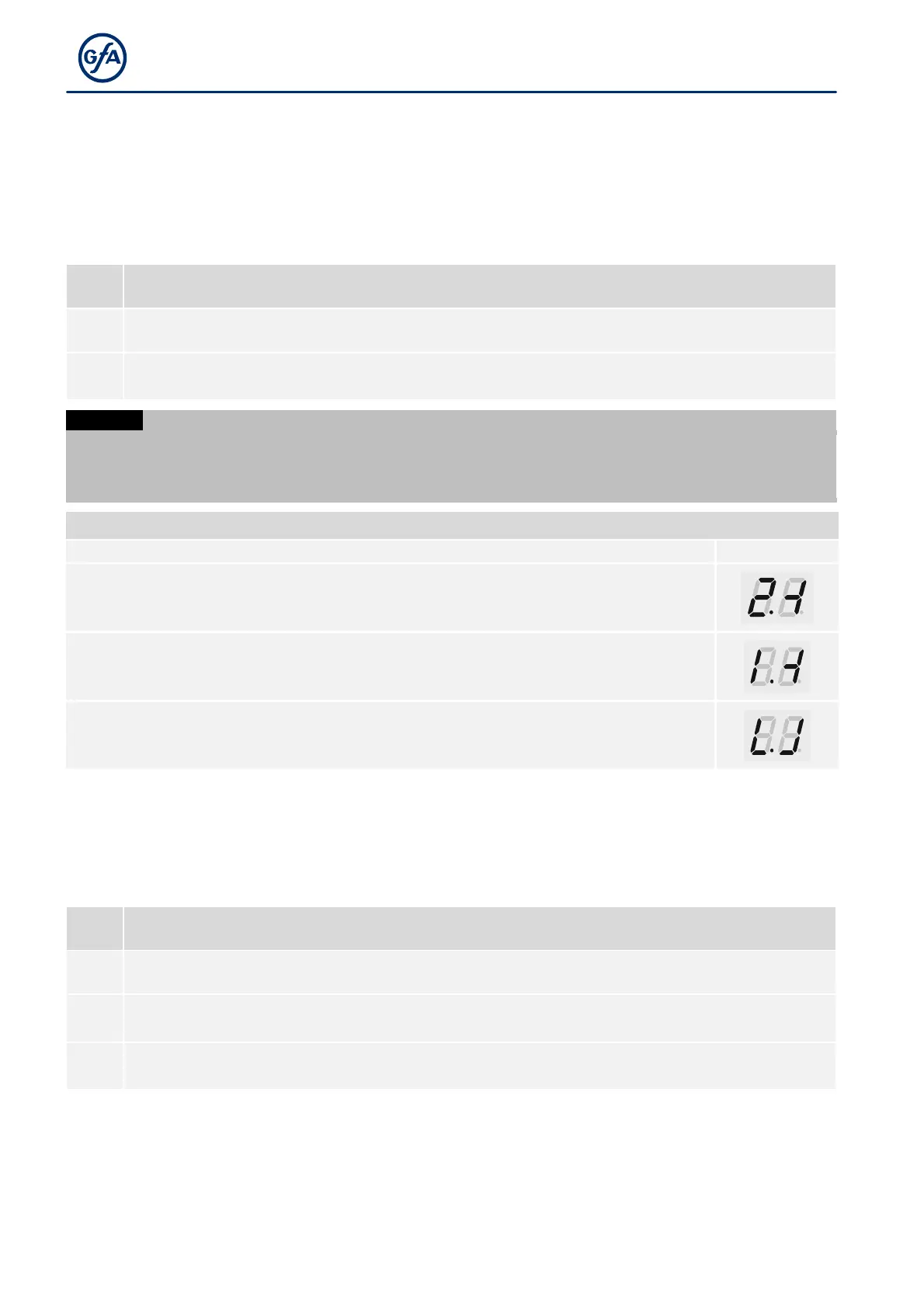
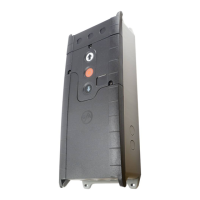
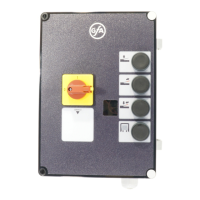
36
P 3.2 - Interruption of the photocell
The function is only available für door drive units with digital limit switch (DES).
Components on the door (e.g. spiral cables) may interrupt the photocell always in the same position. A fault
indication appears. Use this menu item for setting the position. During CLOSE operation, the photocell will be
deactivated from this position onwards. A fault indication no longer appears for this position.
As soon as you save option .1 and exit programming, teach-in mode is active.
Interruption of the photocell
Deactivated
.1
Impairment of product functionality
There is no object protection when setting this function!
Set the reference position before proceeding.
Drive the door to final limit switch position CLOSE.
After leaving programming, teach
in mode is active. The display changes as shown
in the figure.
Open and close the door until the light beam has been
same door position. The display changes as shown in figure if the first interruption
is successful.
The reference position is stored after two
photocell. The display changes as shown in the figure.
P 3.4 - Door safety switch
The door safety switch is connected to input X2.2.
Door safety switch
►
Slack-rope switch / Pass-door switch
.2
.3
Crash switch as NO contact


 To Next Page