Configuring Omnia PCB Verifying the UPM and Software Versions
Page 5-6 MDE-5369G FlexPay™ IV (with Omnia V04.07) Programming and Service Manual · March 2021
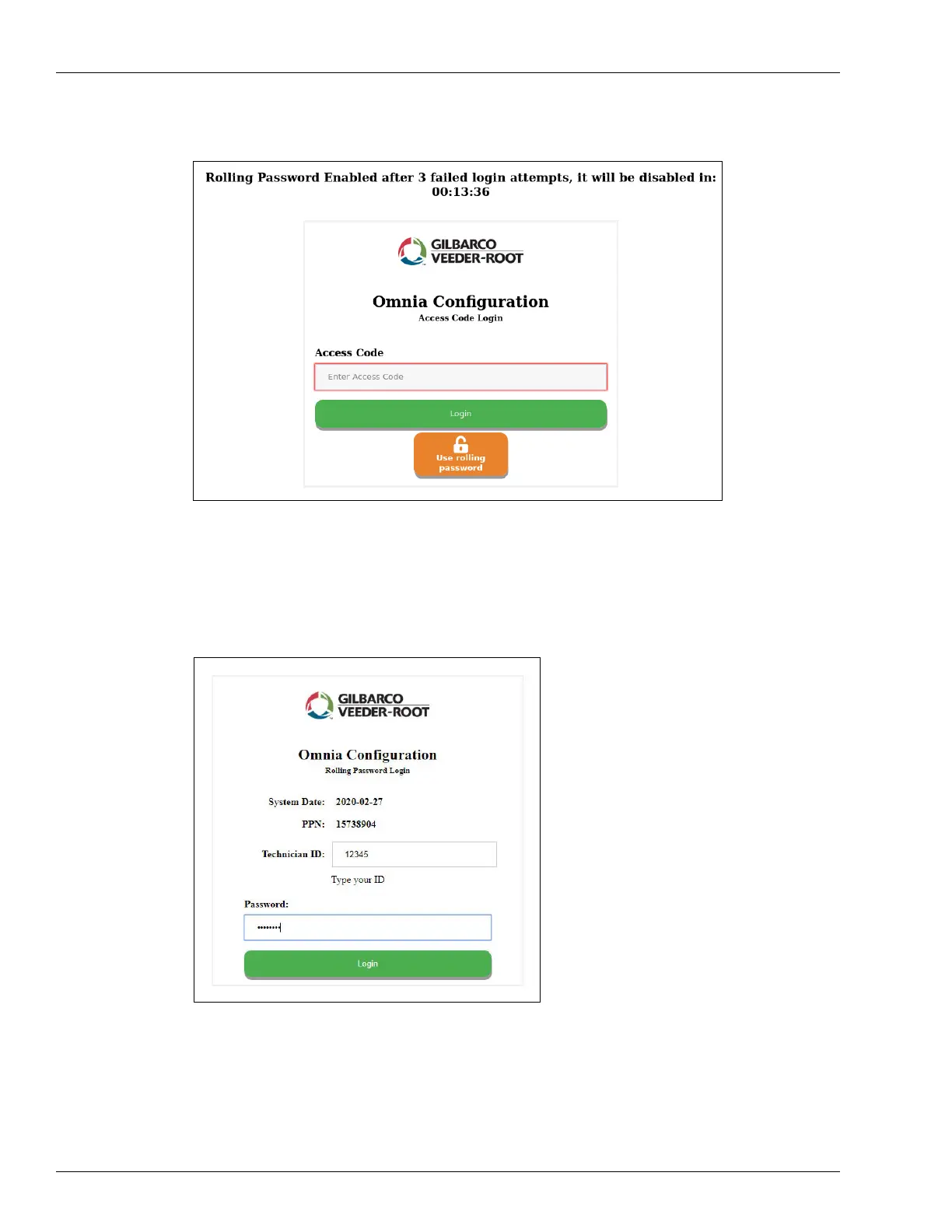
Figure 5-10: Rolling Password Fallback
Note: Access code is provided by the customer. The access code must meet the following
requirements: Between 6 and 40 characters that can include lowercase and uppercase
letters, numbers, and special characters, and excluding spaces.
Figure 5-11: Login Page for Rolling Password Mode
Note: Type your Technician ID. Password is provided by Gilbarco Help Desk through the
ASC Online Activation Tool.
8 Enter the requested credentials and click Login.



 To Next Page