Verifying the UPM and Software Versions Configuring Omnia PCB
MDE-5369G FlexPay™ IV (with Omnia V04.07) Programming and Service Manual · March 2021 Page 5-5
6 Click Proceed to 172.20.100.254 (unsafe).
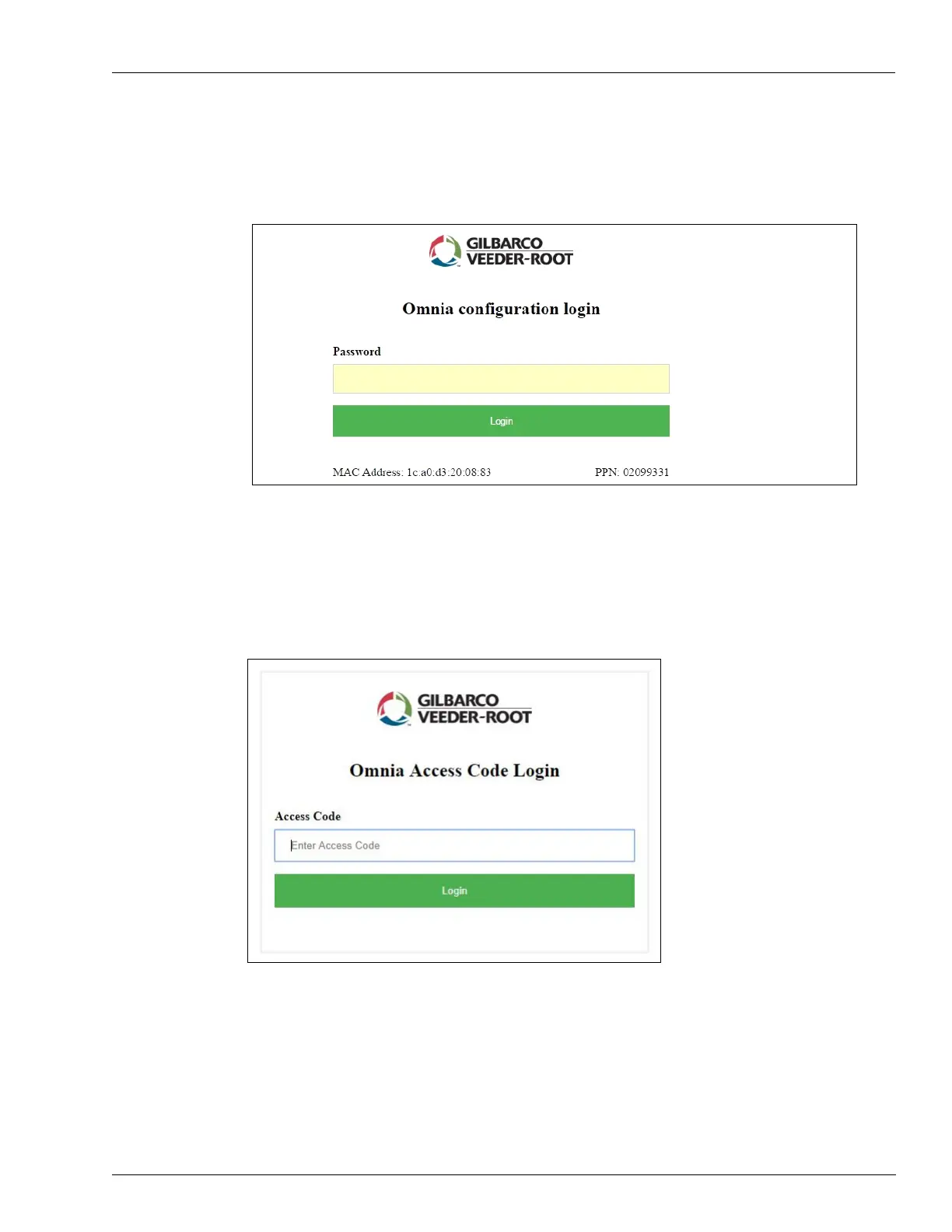
7 Depending on the configured login mode, the login page opens (See Figure 5-8).
Figure 5-8: Default Login Page
Note: Password is the last 6 digits of the Product Part Number (PPN) displayed at the bottom
right.
For PCI-DSS compliance, the customer can set authenticat
ion to Omnia Access Code Login.
Figure 5-9: Login Page for Access Code Mode



 To Next Page