Configuring Omnia PCB Verifying the UPM and Software Versions
Page 5-4 MDE-5369G FlexPay™ IV (with Omnia V04.07) Programming and Service Manual · March 2021
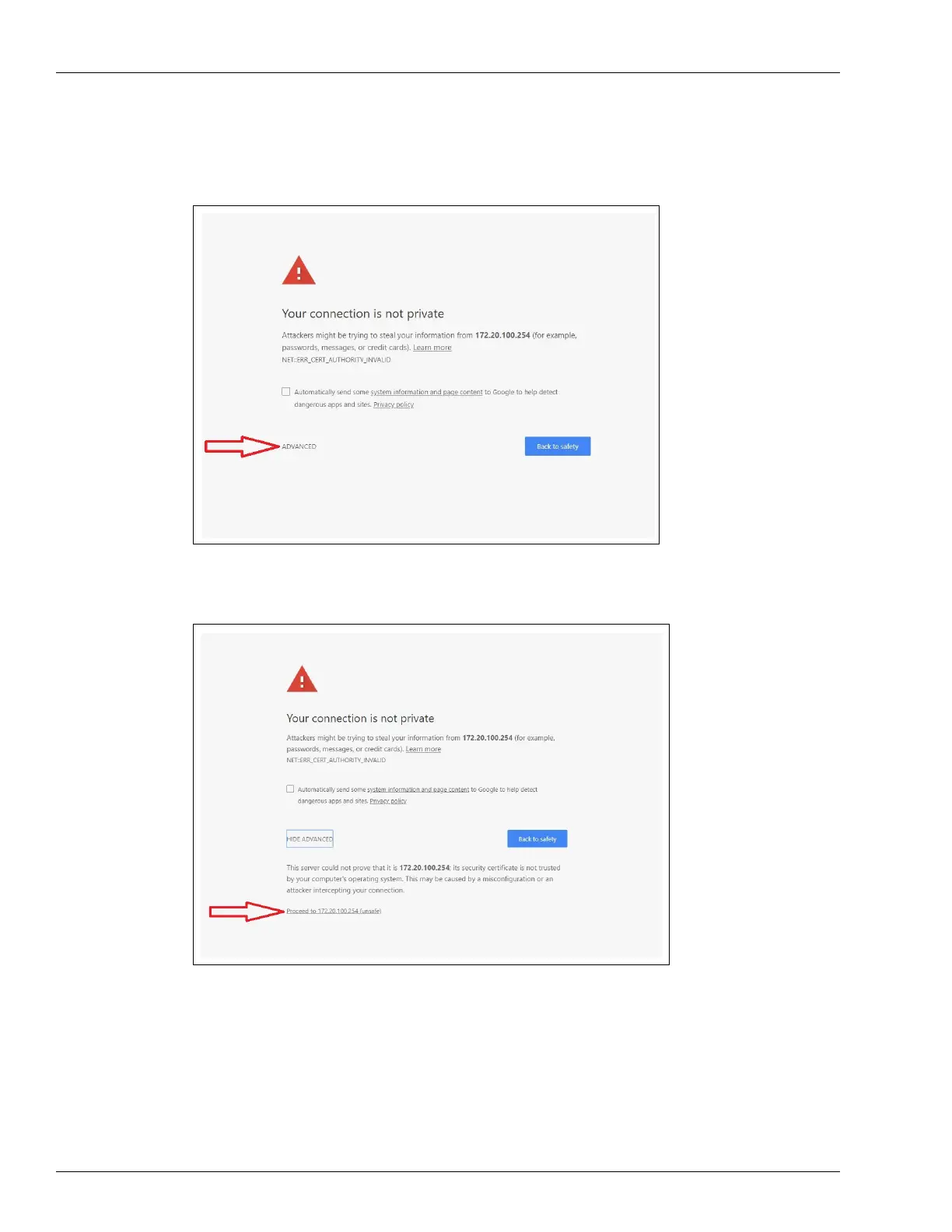
5 Enter http://172.20.100.254:3000 in the address bar. To accept the https certificate,
click ADV
ANCED.
Figure 5-6: Extending ADVANCED Security Settings of the Browser
Figure 5-7: Accepting https Certificate



 To Next Page