Configuring Omnia PCB Omnia Home Page
Page 5-10 MDE-5369G FlexPay™ IV (with Omnia V04.07) Programming and Service Manual · March 2021
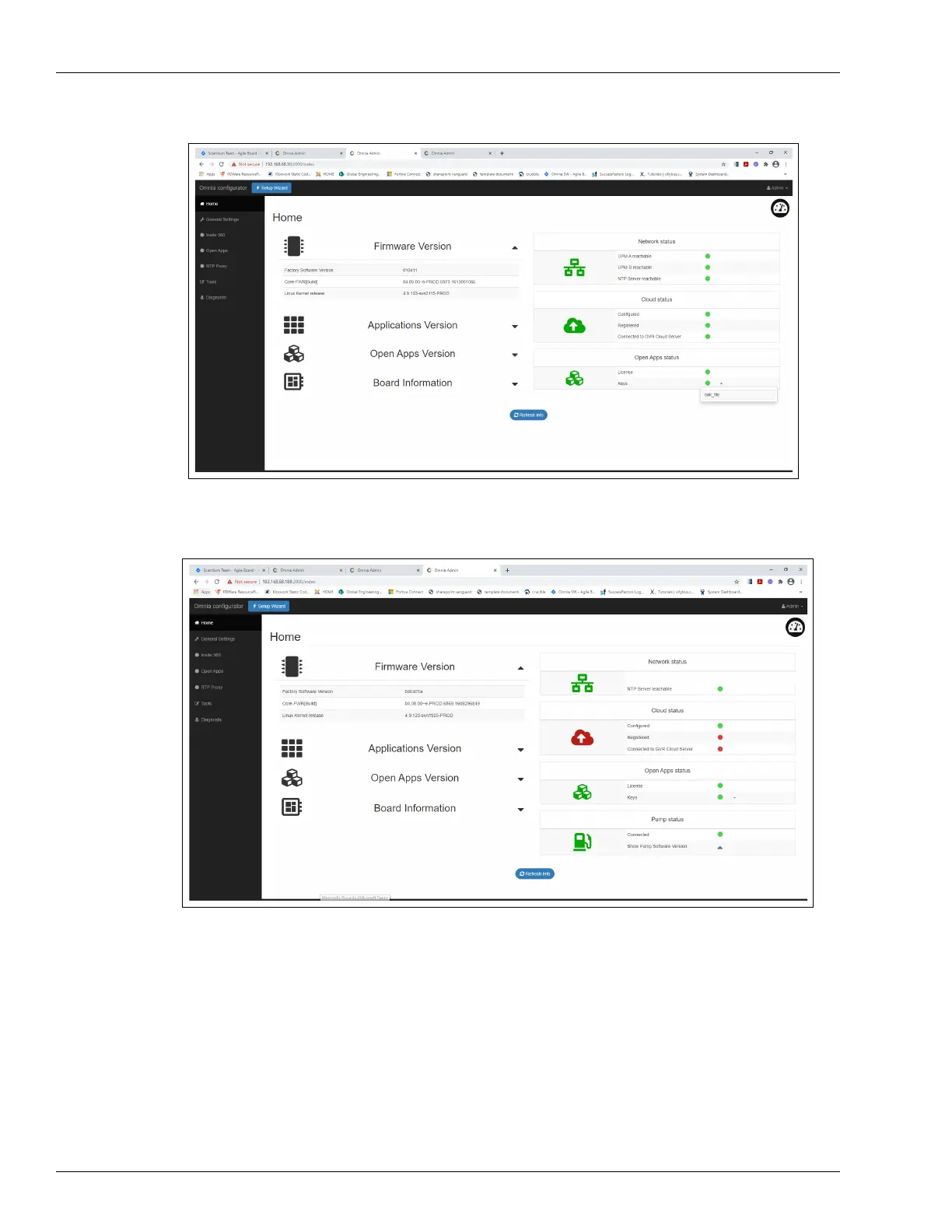
Figure 5-16: Open Apps Status LEDs
Figure 5-17: Pump Status LEDs
Note: Open Apps LED status and Pump LED status is displayed only in Encore Experience
configuration, when the Select “Pump connection type” field is set to “RTP” in the
General Settings page respectively (see Figure 5-19 on page 5-13).



 To Next Page