Omnia Home Page Configuring Omnia PCB
MDE-5369G FlexPay™ IV (with Omnia V04.07) Programming and Service Manual · March 2021 Page 5-11
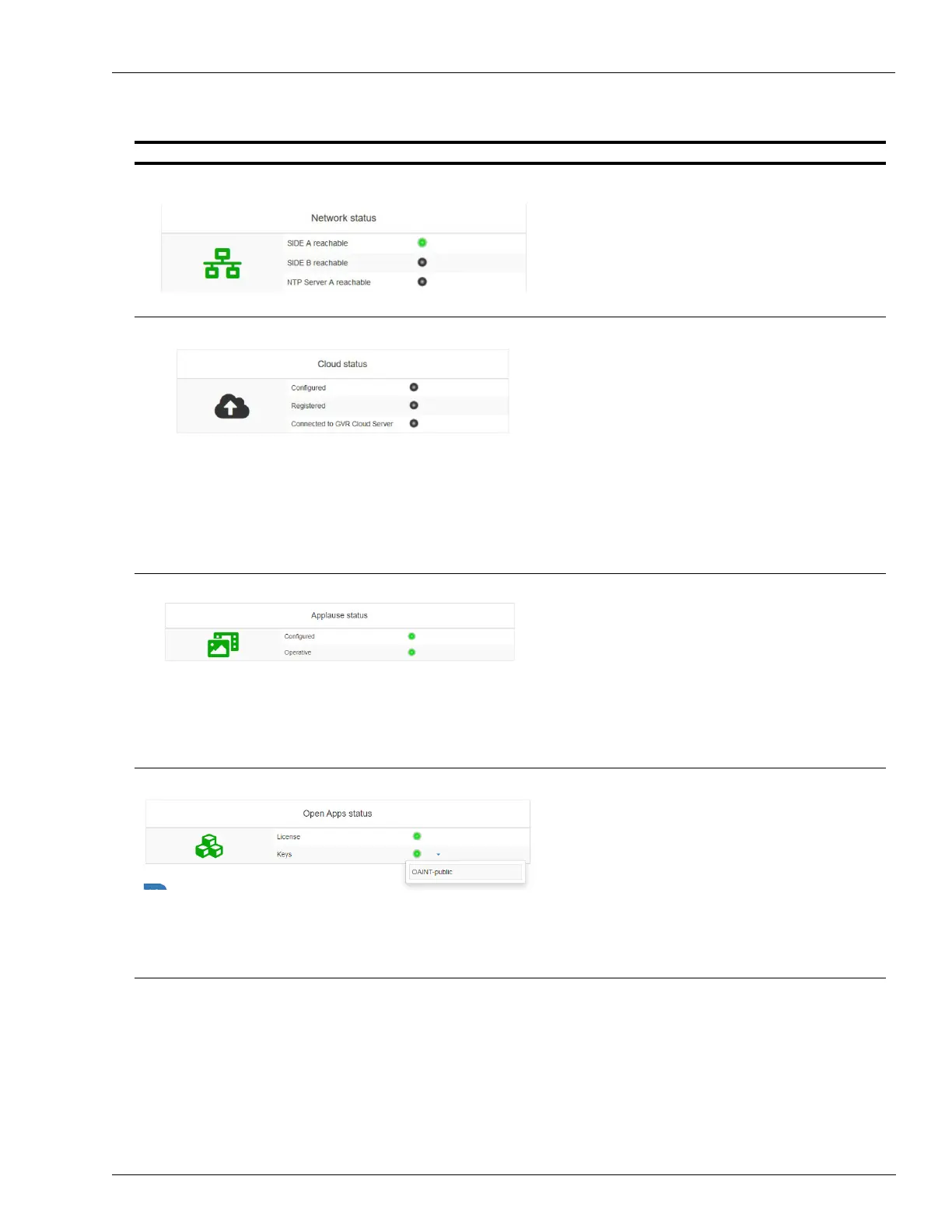
Network – Cloud – Media – Open Apps - Pump Status
Status Screen Description
Green Icon = Connectivity OK.
Red Icon = Conn
ectivity problems.
Green Light = Omnia
can connect to SPOT/NTP Server.
Red light = Omnia cannot connect to SPOT/NT
P Server.
Green Icon = Cloud OK.
Red Icon = Cloud pr
oblems.
Black icon = C
loud package not installed.
Configured: Gr
een light = Cloud application is configured.
Red light: Cloud app not
configured.
Black light = Cloud package
not installed.
Registered: Gr
een light = Omnia registered to the
Insite360.
Red light: Omnia N
OT registered to the
Insite360.
Black light = Cloud package
not installed.
Connected: Gr
een light = Omnia is able to reach Insite360
server.
Red light:
Omnia is not able to reach Insite360
server.
Black light = Cloud package
not installed.
Green Icon = Cloud OK.
Red Icon = Cloud pr
oblems.
Black icon = C
loud package not installed.
Configured:
Green light = Media a
pplication is configured (applause).
Red light = Media
application is not configured.
Black light = Media
package not installed.
Applause server reachable:
Green light = Media a
pplication is configured (applause).
Red light = Media
application is not able to reach Applause
server.
Black light = Media
package not installed.
Green Icon = Open Apps OK.
Red Icon = Open
Apps problems.
License:
Green light = License is active.
Red light = License is not a
ctive.
Keys:
Green light =
Atleast one key is installed.
Red light = No keys are installed.
The list of installed keys can be
shown by clicking on the
down-arrow right to the Keys Light.



 To Next Page