Omnia Configurator - Creating a New Configuration Configuring Omnia PCB
MDE-5369G FlexPay™ IV (with Omnia V04.07) Programming and Service Manual · March 2021 Page 5-35
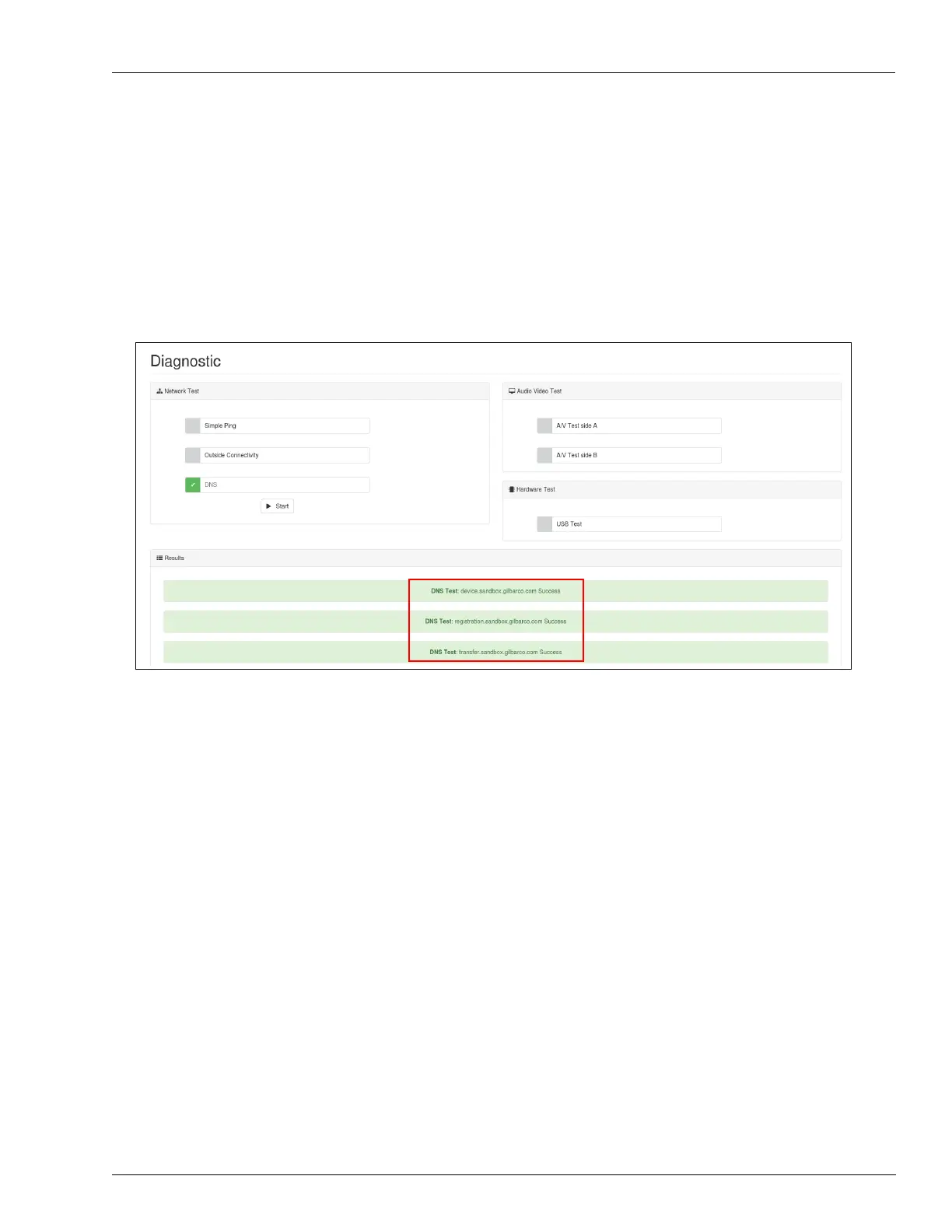
DNS Test
If required, DNS configuration can be tested as follows:
1 Select DNS.
2 Click Start.
3 Select the test result in the Results section.
Figure 5-47: DNS Test
Note: Networking tests can be performed simultaneously by selecting all of them and then
clicking Start.
Audio Video Test
If required, Omnia audio/video can be tested as follows:
1 Select A/V Test side A/B.
2 Set the Test Audio Volume.
3 Set the Test Duration.



 To Next Page