19
Overview
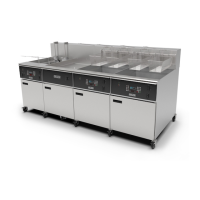
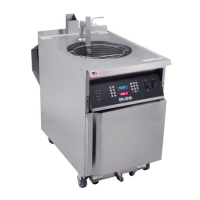
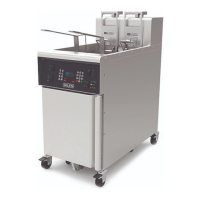
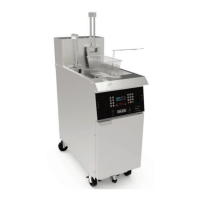
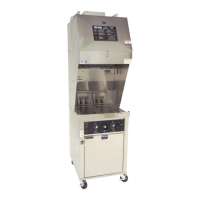
EOF 10-10/20
3-04. EOF20 Control Panel
Item Description Function
1 Power Switch The Power Switch turns Fryer power ON and OFF.
2 Heat Switch
Turns power to heating elements ON/OFF. Place Switch in the
OFF position when performing certain functions and when unit is
shutdown. Place in ON position when ready to heat the oil.
3 Controller
Computer Cooking Controller ... set cooking temperature and cook
times ... controls and monitors fryer functions ... displays alarm
conditions and operational instructions. Stores fifty (50) editable
Menu Item preset cooking timers. Separate display for each Vat.
4 High-Limit Indicator
Light is illuminated to indicate shutdown of the heating elements
due to excessive heating condition. Should this light turn on during
operation, DISCONTINUE COOKING ACTIVITIES and refer to
Troubleshooting, Section 7. DO NOT ATTEMPT TO CONTINUE
COOKING UNTIL THE CAUSE OF THIS CONDITION IS DETERMINED!
5 Heat Indicator Light
Light is illuminated when the Heat Switch is in the HEAT position and
the heating elements are energized. This light will cycle ON and OFF
during normal operation as the Controller maintains the set-point
temperature.
6 Power Indicator Light
The green Power Light illuminates whenever the Fryer’s Power
Switch is in the ON position.
7 Pump Switch Turns the Filter Pump ON and OFF for the oil filtering cycle.
8 Controller OLED Display
Displays Fryer setting information, alarm error messages, menu item
preset settings, and various operational messages and instructional
prompts.
9 7-Segment Display
Main display for actual timer countdown and current actual oil
temperature. Also displays various status and/or error codes.


 To Next Page