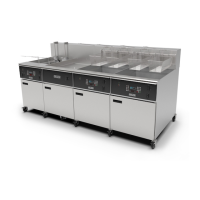
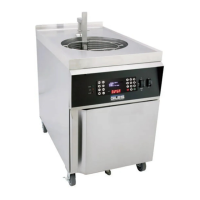
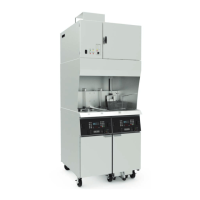
48
Fryer Operation
EOF 10-10/20
Continued on Next Page
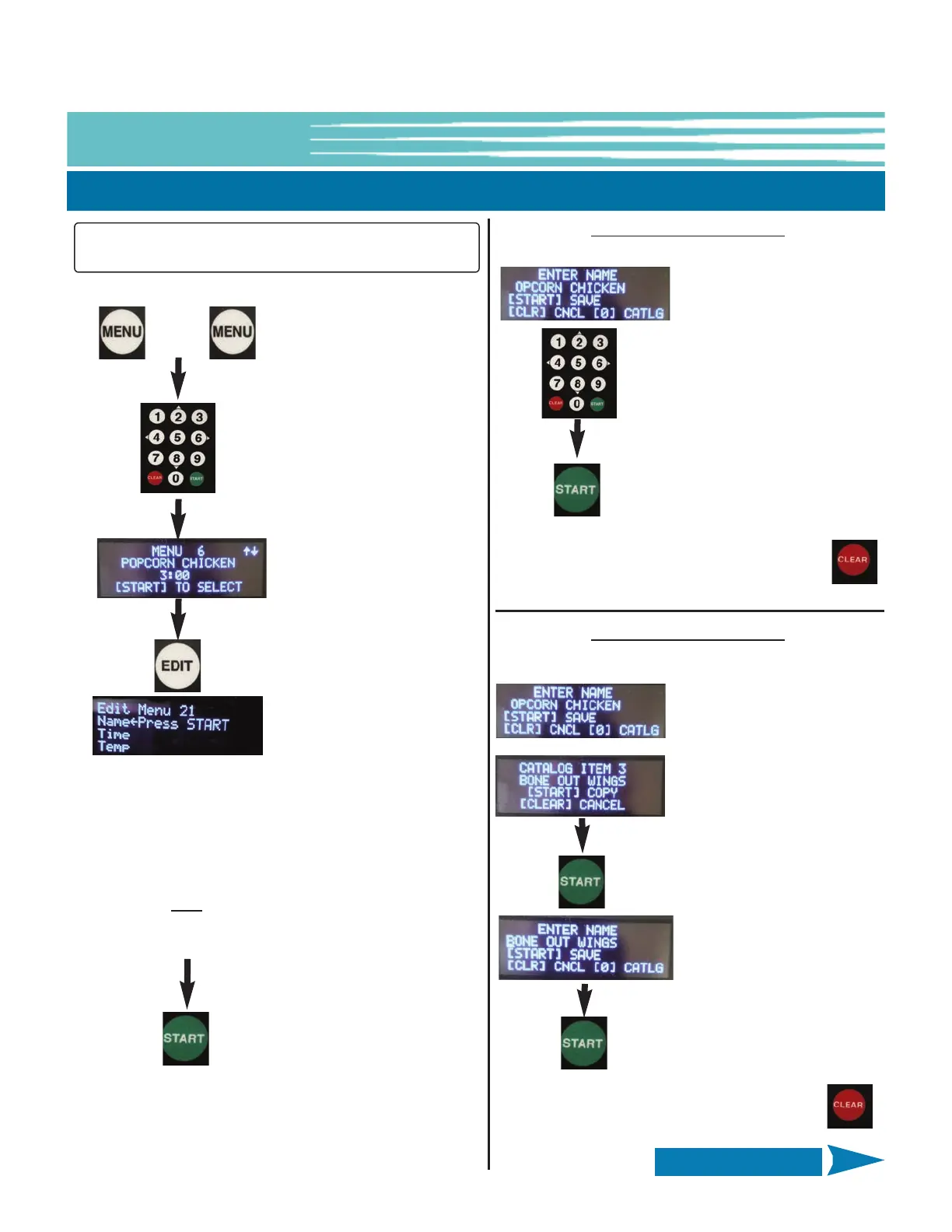
5-01.5.2 Editing a Menu Preset
Press the [MENU]
key twice (2x)
Use numeric keypad [2] & [8]
(UP/DOWN) to scroll through list
to the desired Menu No.
Press the [EDIT] key to select
& display current Menu
settings.
Use numeric keypad [2] &
[8] (UP/DOWN) to select
what to edit
[NAME]
[TIME]
[TEMP]
[TEMP] is NOT
available
for editing on the EOF-20
Controller
Press
[START] key
to begin
edit
Editing [NAME] - Method 1:
Letter by letter.
Select edit NAME as shown
on left. Flashing cursor is
positioned at 1st letter. Use
keypad [2] or [8]
(UP/DOWN) to scroll
through letters, changing
the character at cursor
position. Stop at desired
character, then use [4] or
[6] (LEFT/RIGHT) to move
cursor to next character
and repeat.
When finished editing NAME, press START to
Save -OR- press CLEAR to cancel and exit
without saving
+
Editing [NAME] - Method 2:
Select from Catalog of programmed names.
Select edit NAME as shown
on left. Flashing cursor is
positioned at 1st letter.
Press [0] key to open
Catalog of programmed
names and use keypad [2]
or [8] (UP/DOWN) to scroll
through the list. Press
START to copy NAME into
Menu Item being edited and
return to previous display.
When finished editing NAME, press START to
Save -OR- press CLEAR to cancel and exit
without saving -OR- [0] to re-open catalog.
NOTE: Left-hand side on Dual Display Controller is the
active display when editing Menu Items.


 To Next Page