49
Fryer Operation
EOF 10-10/20
5-01.5.2 Editing a Menu Preset - Continued
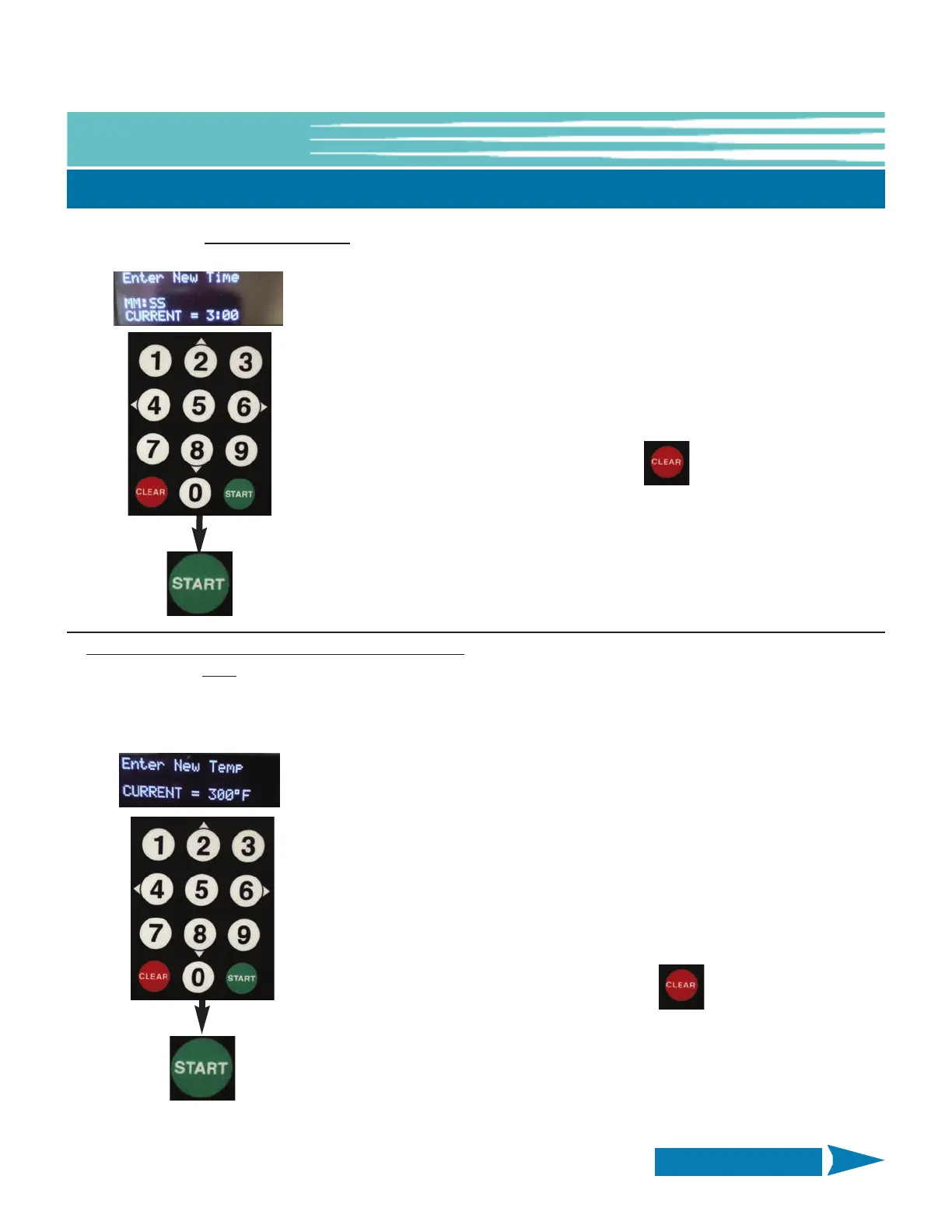
Edit COOKING TIME: Scroll to and select [TIME] as shown on previous page.
After entering new TIME value press the
START key to Save
-OR-
press CLEAR to exit without Saving
Edit SETPOINT TEMPERATURE - EOF10-10 UNIT ONLY: Scroll to and select [TEMP] as shown on previous page.
NOT a preset value on the EOF-20 Unit; TEMP must be input manually.
See Section 5-01.4.1, Manually Setting the Cooking Temperature - Single Display
Use numeric keypad to enter new TEMP (°F)
Ex: 325 = 325°F
NOTE: TEMP unit can be changed to (°C) in USER
SETTINGS, see Section 5-01.7
After entering new TEMP value press the
START key to Save
-OR-
press CLEAR to exit without Saving
Current time setting is displayed.
Use numeric keypad to enter a new TIME (mm:ss)
NOTE: All digits must be entered, ex: 500 = 5:00.
Continued on Next Page


 To Next Page