47
Fryer Operation
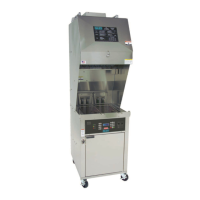
EOF 10-10/20
+
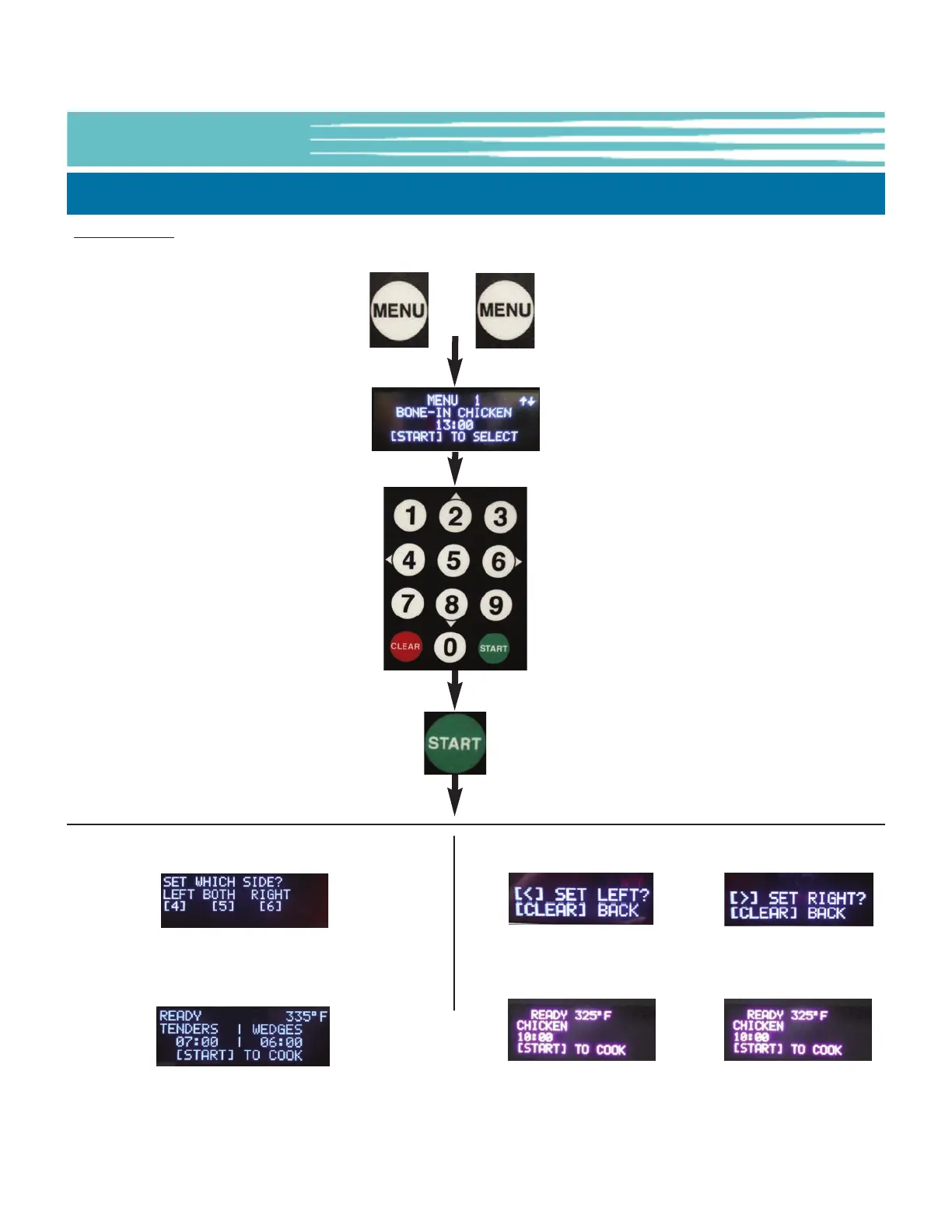
Scroll Method: If the Menu No. is not known, User can scroll through the list of Menu Presets to select the desired
item ... Menu No., Name, Cook Time & Cook Temp are shown on the OLED Display.
Press the [MENU]
key twice (2x)
Use numeric
keypad [2] & [8]
(UP/DOWN) to
scroll through list
to a desired Menu
Press the
[START] key to
select Menu
item
5-01.5.1 Selecting a Menu Preset for Cooking - Continued
Use keypad to select Basket side
[4]=Left [5]=Both [6]=Right
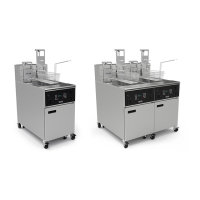
EOF-20
EOF10-10, DUAL DISPLAY
Use keypad to select
Vat Side to set
[4]=LEFT [6]=RIGHT
After selecting a desired Menu Preset, pressing the [START] key begins a cook cycle, see Section 5-01.6. If the actual
oil temperature is lower than temperature setpoint and the Heat Switch is in the [HEAT] or [ON] position the
Controller will enter PREHEAT mode and oil begins heating. If the oil temperature is at setpoint, the Controller will
enter READY state and Fryer is ready to cook..


 To Next Page