44
Fryer Operation
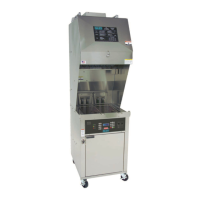
EOF 10-10/20
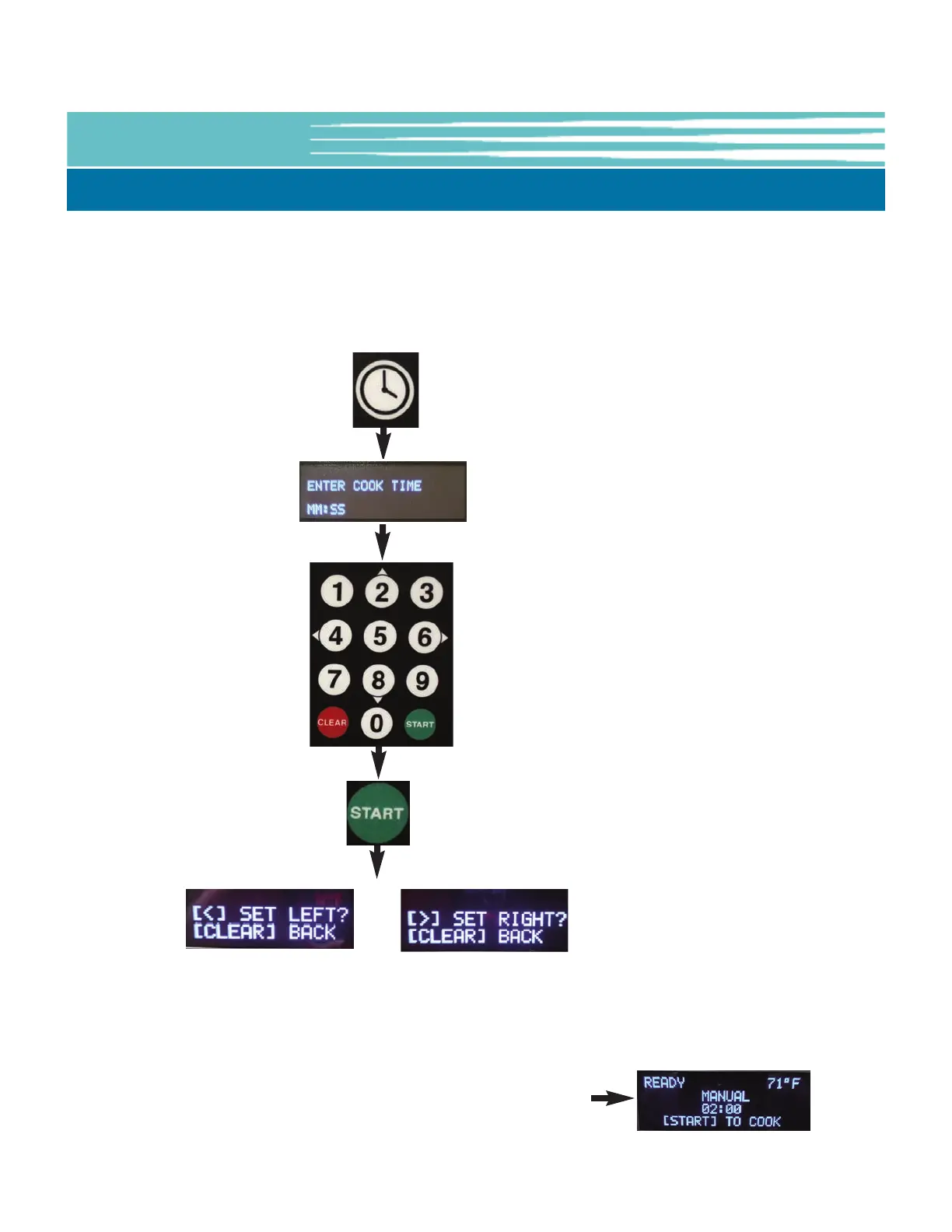
Press the
[CLOCK] key
Press the
[START] key
Use keypad to select
Vat Side to set
[4]=LEFT [6]=RIGHT
If needed repeat
process to set a temp
for the other Vat Side
The following procedure is for manually inputting an oil temperature setpoint, rather than selecting a preset.
Information is shown on the OLED Display to help guide Users through the process. NOTE: Left-hand Display is
always the active display while entering setting values,
5-01.4.2 Manually Setting the Cooking Time - EOF10-10 Dual Display
Use keypad to enter cook
time (mm:ss).
Ex: 1530 = 15:30
NOTE: Menu Presets contain Item Names which are normally displayed
on the OLED Display. Manually inputting a cooking time is a deviation
from a preset default, therefore the Name shown on the display will
change to [MANUAL].


 To Next Page