Maintenance Procedures
Leak Test Procedure
This test consists of pressurizing the pump to a user selectable pressure in a closed hydraulic
circuit. The outlet from the pump (filter) should be sealed with the supplied plug before running
the test. Use manual control in TRILUTION LC to start the pump at a slow flow rate and allow
the pump to reach a pressure of 150 bar (2176psi). Stop the pump once the pressure is reached.
(Alternatively, use error handling in TRILUTION LC to stop the pump once the pressure is
reached as part of an application run.) If during the next five minutes the pressure decay is less
than 10%, then the test is successful.
Run-In Procedure
Whenever using a new pump head or a new piston seal, it is strongly recommended to follow
this run-in procedure.
1. Run the pump unloaded for 1–2 minutes at 20% of nominal flow rate with methanol or
isopropanol.
2. Run the pump at maximum operating pressure for 4–5 minutes. While running, check for
any leaks.
3. Repeat the first step, but for 30 minutes.
Resetting Maintenance Logs
1. Select Edit > GLP > Maint from the Startup Screen on the 333 Pump control panel.
2. Select Reset to clear values.
3. Navigate the screen with directional arrows to set hour limits for the following values: Seal,
In CV, Out CV, and Piston.
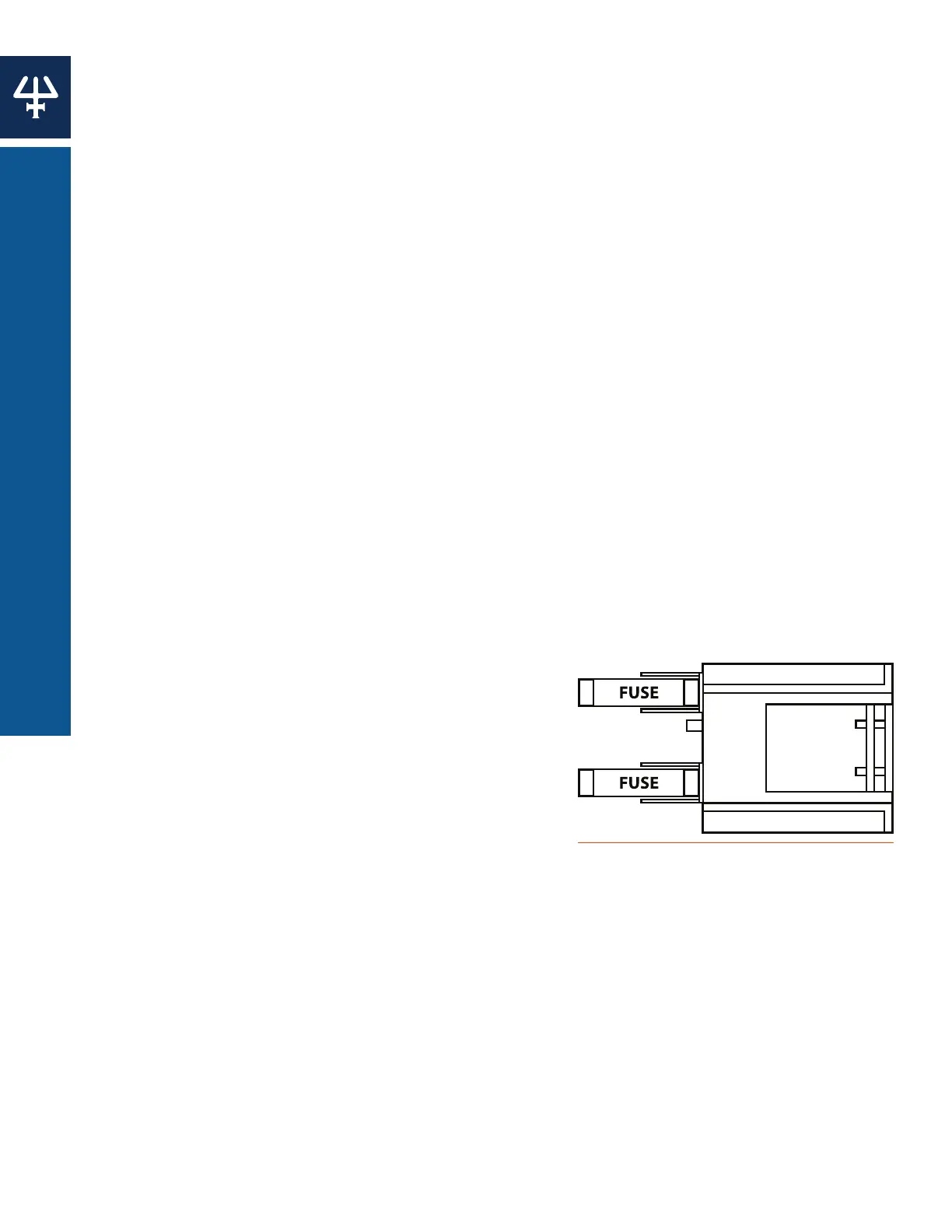
Fuse Replacement
1. Power off the instrument and disconnect the power
cord.
2. Locate or order replacement fuses. (Extras were
provided with the instrument.)
3. Place a small screwdriver or a fingernail under
the tab on the fuse drawer to detach it from its
receptacle on the rear panel. The fuse drawer will
remain hinged to the instrument.
4. Replace both fuses. Use only fuses with the rated
current and specified type as listed on the rear panel of the instrument.
5. Insert the fuse drawer into its receptacle on the rear panel.
Figure 56
Fuse Replacement
52
MAINTENANCE | 333/334 HPLC PUMPS
MAINTENANCE PROCEDURES















 To Next Page