88
FRONT PANEL CONTROL | 333/334 HPLC PUMPS
FRONT PANEL CONTROL
Good Laboratory Practice (GLP Functions)
All of the following functions are
available when control is from the
333 Pump.
From the Start Screen press Edit > GLP
to reach the GLP screen.
Audit Trail
The sequence of events that takes
place when you execute one or more
method program files. From the
control panel of the 333 Pump, you
can activate or deactivate the audit
trail and adjust the date and time.
From the Start screen press
Edit > GLP > Audit to reach the
Audit Trail screen.
1. Navigate to the Date field with the
Directional Arrow keys.
2. Key in the day, month, and year as
a six digit number, e.g. 140220 for
February 14, 2020.
3. Press ENTER.
4. Navigate to the Time field with the
arrow keys.
5. Key in the hour and minutes as a
four digit number with a decimal
point, e.g. 22.35 for 10:35PM.
6. Press ENTER.
7. Select the Audit trail used field and then press the Change soft key to select On or Off.
8. Press ENTER.
The date and time are saved when you switch o the 333 Pump.
Audit Trail
Maintenance Logs
Seal Installation
Leak Test
Mixing Test
Audit Maint Seal Leak Mix
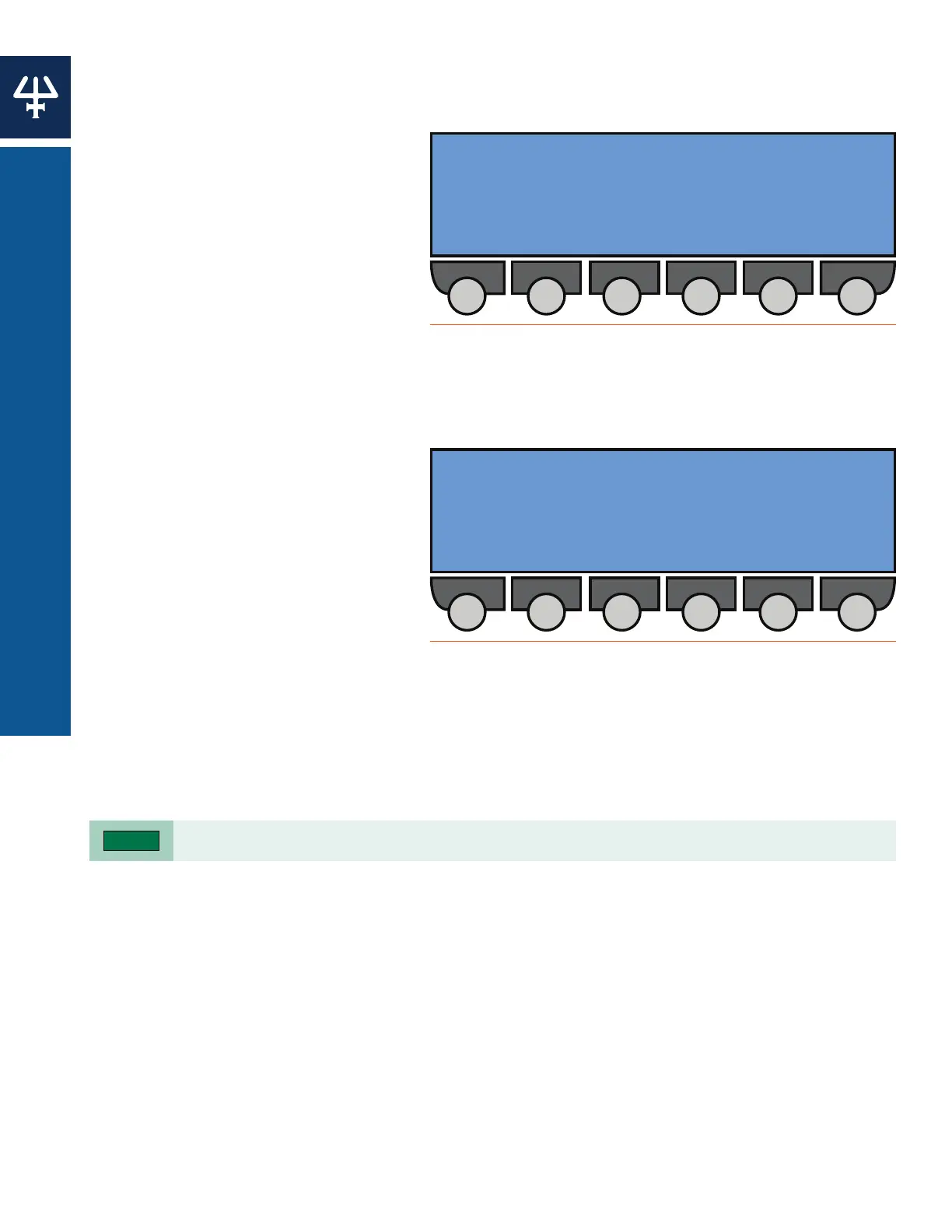
Figure 82
Good Laboratory Practices (GLP) Screen
Date: 00 Time 0000
Audit trail used: ON/OFF
Change
Figure 83
Audit Trail Screen















 To Next Page