76
FRONT PANEL CONTROL | 333/334 HPLC PUMPS
FRONT PANEL CONTROL
Electrical Contacts
From the Start screen select
Edit > Config > I/O to navigate to the
Electrical Contacts screen.
1. Press the Up or Down arrows to
navigate to one of the following
options:
● Input pause: WITH FLOW or
WITHOUT FLOW. When an
input signal is received, this
option either continues or
stops flow.
● Contact pulse duration: Set
the length of an output pulse
to a value between 0.01 and 1.00 minutes.
● Analog output signal: Set the output signal to follow: pressure, flow rate, composition
(%A, %B, or %C, depending on hardware setup). If you select one of the composition
parameters, the Delay Volume line will appear with options (0 to 90mL) to get the best
synchronization between the programmed profile and the detected profile.
2. Press Change on the Input pause line to cycle through the options.
3. Press ENTER to confirm.
4. Key in values for the Contact Pulse Duration line.
5. Press ENTER to confirm.
6. Press Change on the Analog Output Signal line to cycle through the options FLOW,
PRESSURE, or composition (%A, %B, or %C).
7. Press ENTER to confirm.
8. If %A, %B, or %C is selected, key in values for the Delay Volume line that appears once
you’ve selected the composition parameters.
9. Press ENTER to confirm.
Input pause: WITH FLOW / WITHOUT FLOW
Contact pulse duration: [--]
Analog output signal: [--]
Change
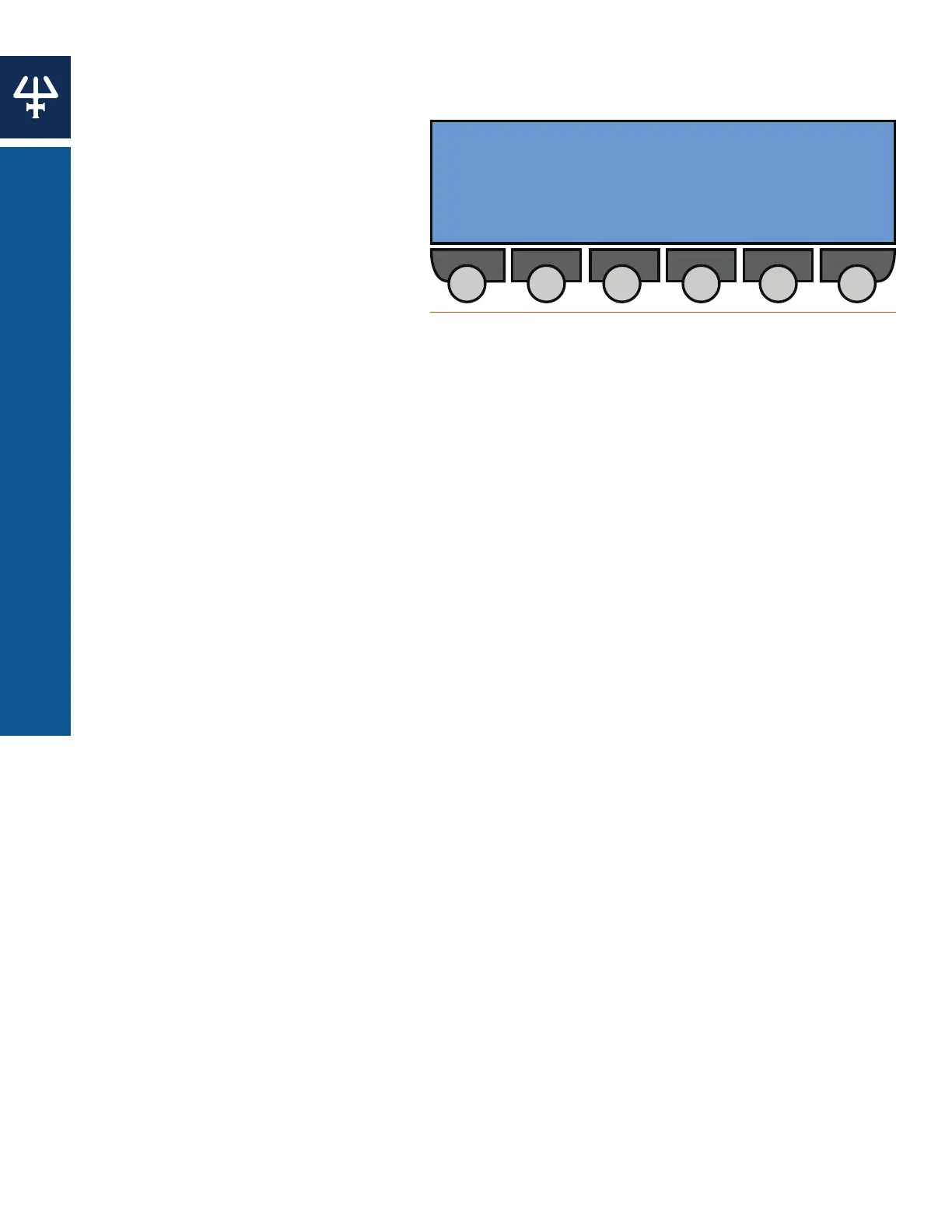
Figure 72
Electrical Contacts Screen















 To Next Page