80
FRONT PANEL CONTROL | 333/334 HPLC PUMPS
FRONT PANEL CONTROL
Entering Method Programs
Creating and editing method program files is detailed in the following sections. You are advised
to check and correct the configuration parameters before using the edit functions to create a
list of events and the related parameters (flow rates, volumes, composition, etc.)
Creating a method program file consists of two different steps: 1) assigning a file number and
2) entering a list of events that you want to occur at the times that you specify. However, it
is recommended that you list the events required by your method program, on paper, before
attempting to create the file. See Method Program Worksheet on page 84 for a sample.
Method program files (1–20) can be looped and linked to other files.
Safety program files (21–24) are created in exactly the same way as method program files.
Creating and Editing Method Program Files
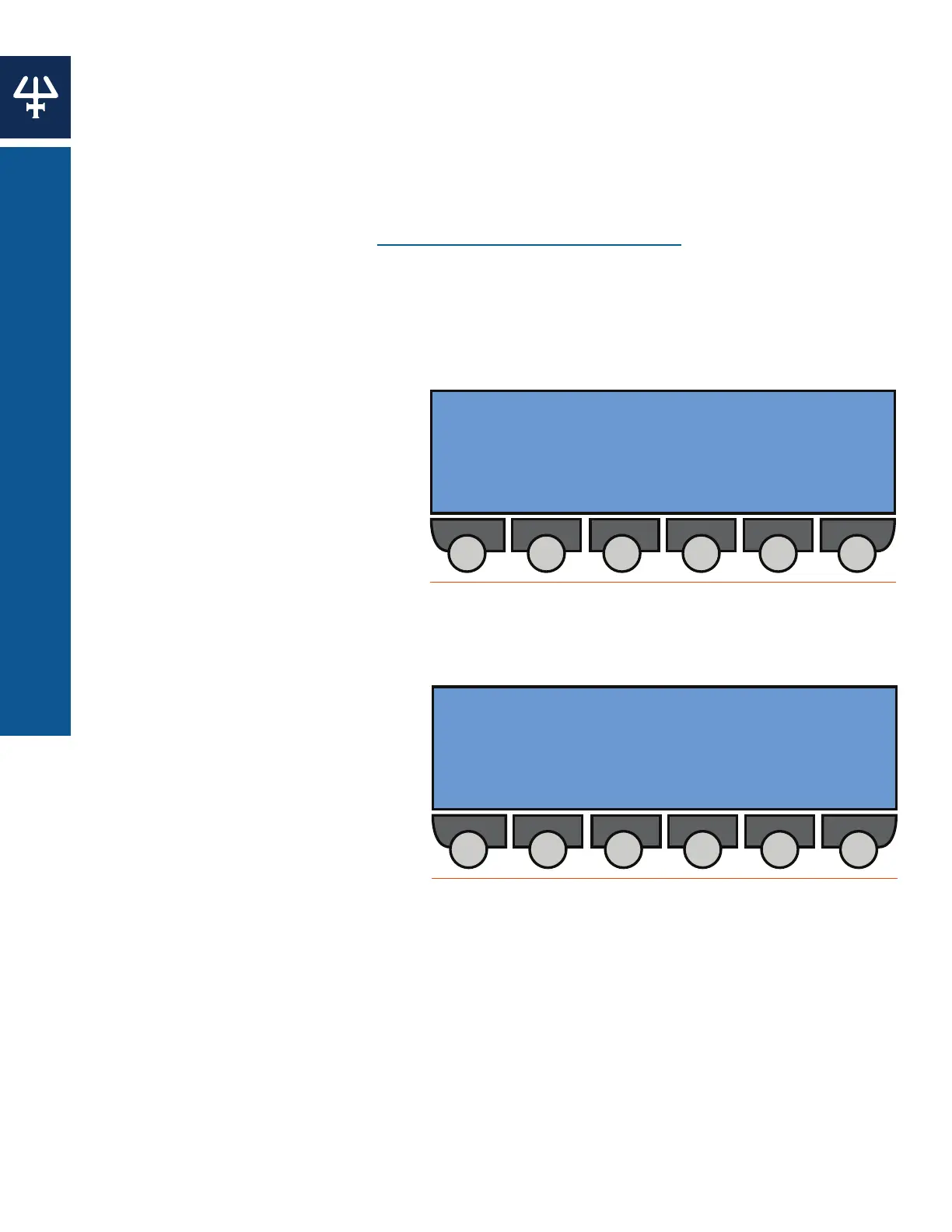
From the Start Screen press Edit > File
to access the File Directory screen.
1. Use the Up, Down, Right and Left
arrow keys to select a file number.
Unassigned files will appear as ‘-
-,’ whereas pre-assigned files will
appear in brackets.
2. Press the Edit soft key to confirm
and edit the selected file and
navigate to the Edit Method
screen. Alternatively, press the
Create soft key on an unassigned
space to create a new file. The
following options will be available:
● Method File: Displays
the current file and is not
selectable.
● Number of Loops: Indicates
the number of times the
method file is run before it
completes or links to a
separate method program file.
● When finished, link file to:
Indicates the file to be run
once the current program file
is complete.
3. Key in values for the Number of Loops and When Finished, Link File To line.
4. Press ENTER to confirm your selection(s). The Link To soft key will only appear after the
When Finished, Link File To line has been selected.
5. Press the Events soft key to reach the Events List screen.
[ 1 ] -- -- -- -- -- -- --
-- -- -- -- -- -- -- --
-- -- -- -- -- -- -- --
Create
Figure 76
File Directory Screen
Method file: [’X’]
Number of loops: [--]
When finished, link file to: [--]
Events Link To
Figure 77
Edit Method Screen
Select an event type
Edit Method File X
FlowComp Wait Output Other Inj
Figure 78
Edit Method File X Screen















 To Next Page